





Whether it’s a video clip you have recorded yourself while on vacation or entertainment videos, you will need a stable player.
And if you have a macOS device, then you will even need special players designed for the system. Fortunately, Apple offers a built-in QuickTime Player.
But the issue is that there are some videos encoded in formats that are not compatible with QuickTime. So, you may need other options to help you navigate this challenge.
The best video player for Mac will allow you to watch all your clips hassle-free. The good thing is that most of them are free to use.
Besides being flawless and free, the other good thing about these video players is that you don’t need to download any plugins or goods whenever you want to play.
However, you should note that not all video players for Mac are equal or have the same features. More advanced video players come with tons of settings and features for tech-savvy guys to play around with.
Others are more straightforward, making them ideal for those who just want to play videos from their devices without many adjustments.
That is why we have created this guide to help you find the right fit for your case.
The Best Video Players for Mac
1. Elmedia Video Player
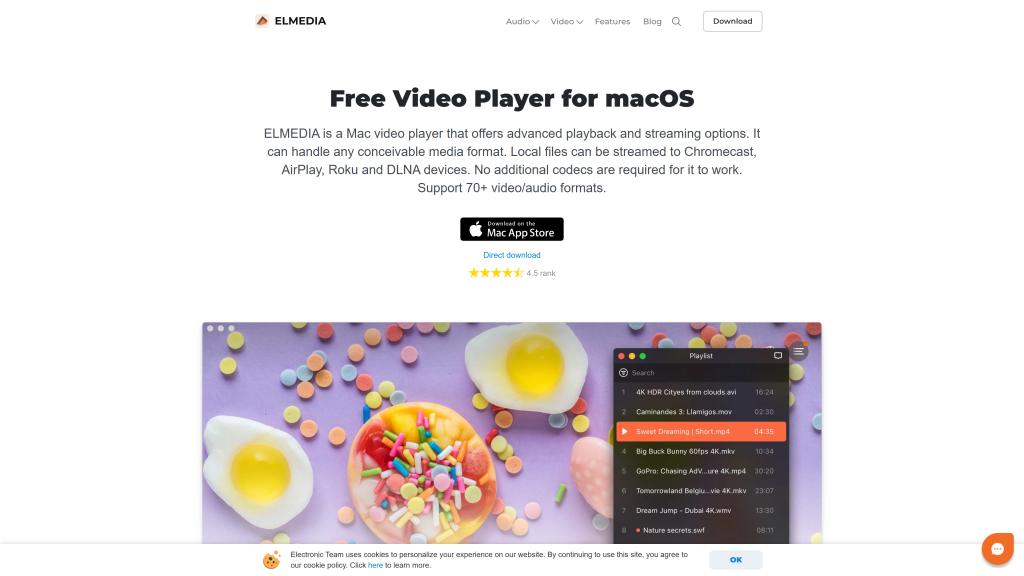
Elmedia is definitely the best video player for Mac for several reasons. Not only does it play 4K+ content, but also its color accuracy is top-notch.
We also love the fact that Elmedia supports several streaming options and advanced playback features.
To be precise, it supports AirPlay, Chromecast, DLNA, and Roku devices. Above all, it includes the necessary codes to support over 70 video formats.
Another likable aspect of this video player is its minimalistic yet beautiful user interface.
Moreover, it supports playlists, variable playback speeds, subtitle sync, stream control, playlist broadcasting, font customizations for subtitles, and multi-monitor support.
Apart from this, it also offers support for fine-tuning of video playback, including sharpness, contrast, looping, hue, saturation, and noise reduction.
Pros
- Plays every file format
- Seamless streaming to other devices
- Beautiful interface
Cons
- The free version is somehow limited.
2. VLC
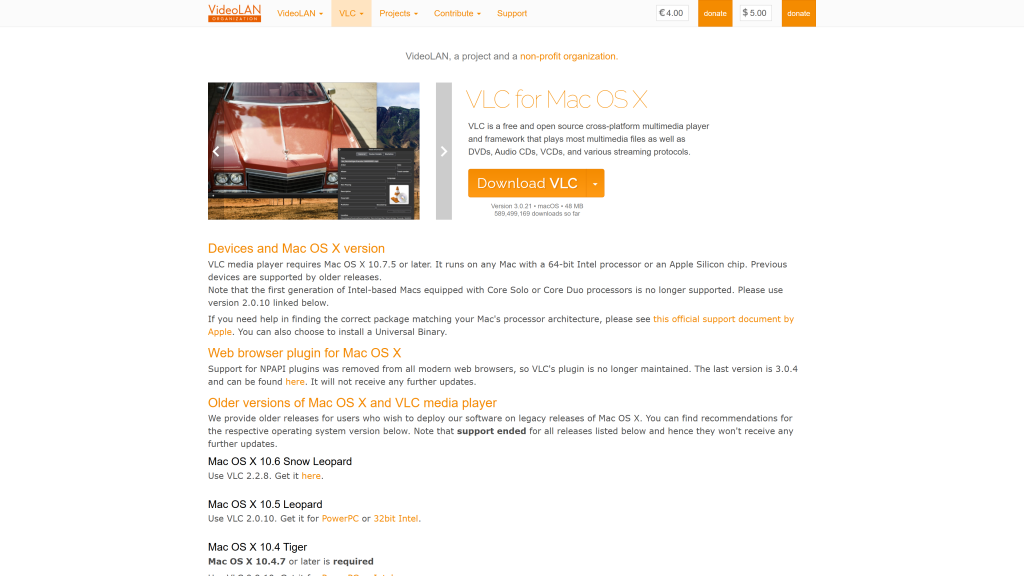
VLC is one of the most respected video players that has been around for a while. Its longevity means that it has been able to keep up with the changing technology.
The best thing is that it offers support for different operating systems, so it will work well with your Mac.
Another good thing about it is that it plays videos of different formats.
So, whether your videos were recorded decades ago or are brand new, VLC will allow you to view your videos. It does so by converting them.
And if there is a video that is not compatible with VLC, you can convert it manually to a format that the player can play.
What makes it the best video player for Mac is that you can play DVDs and CDs using VLC because replicated discs are coded for compatibility to the player.
However, it does lack some visual appeal when compared to other video players on this list. We say so because it doesn’t offer layout customization.
Pros
- Plays most file formats
- It is very user-friendly.
- Compatible with all Mac operating systems
Cons
- It doesn’t have layout adjustment options.
3. IINA
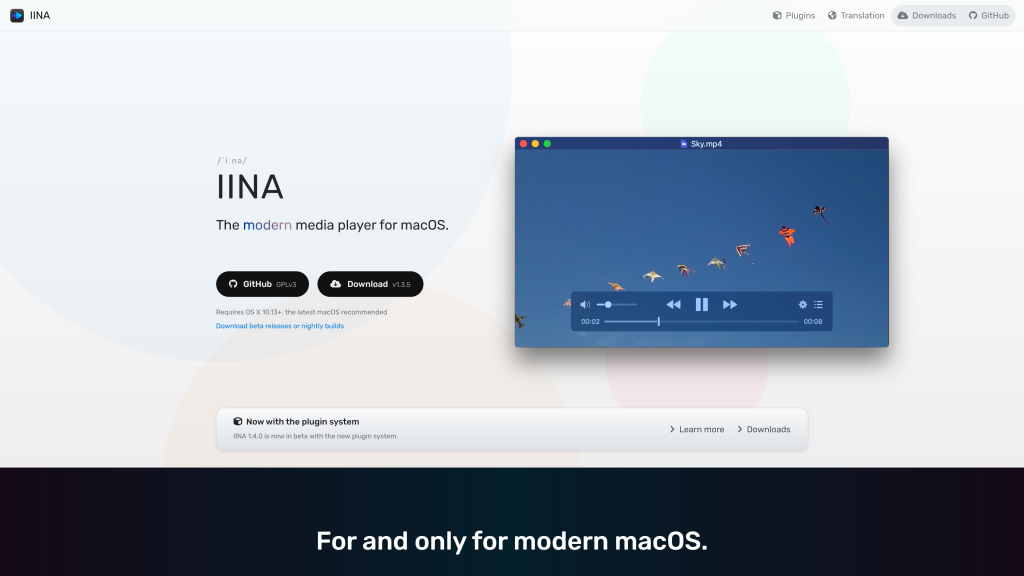
IINA is a superb free media player that offers a stylish, minimalistic design while still offering support for all formats.
We rated it as the best video player for Mac because it creates a playlist from other files in a folder and plays it automatically.
And if you are a tech-savvy person, then IINA comes with its own JavaScript-based plug-in system, which enables you to add more features.
Besides this, it has a dedicated audio setting feature called Music Mode. It is ideal if you want to listen to your music with an effortless switch back to video viewing.
Pros
- It is touch enabled.
- Picture-in-picture feature
- Comes with various layout options.
Cons
- Might not work well with older Mac devices.
4. DivX
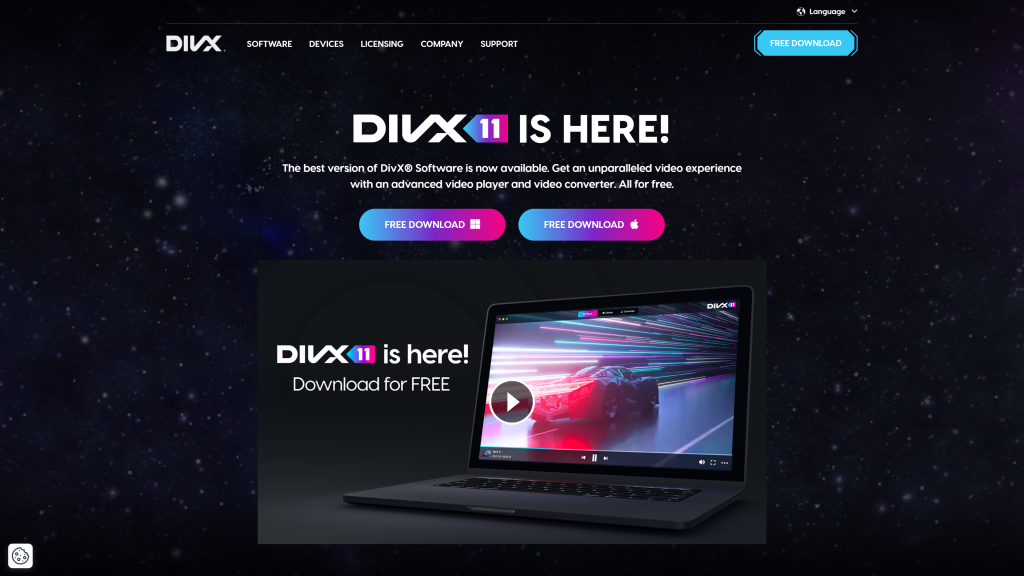
DivX is actually three apps in one. There is a video player, a media server, and a converter.
It is a powerful player because it supports well-known video formats at up to 8K. You can also use it to stream to Chromecast, Apple TV, and Smart TV.
Its Pro version can even play videos from cloud storage platforms like Google Drive and Dropbox.
We also like the fact that its library continuously tracks all your video files and also allows you to create a playlist from there.
But keep in mind that if you are using macOS Sonoma and later, DivX is blocked by your device’s Privacy and Security settings.
So you will need to enable the option by clicking Install Anyway.
Pros
- Compress files to save hard drive space.
- Play 4K videos.
- Comes with a built-in library manager.
- Attractive interface
Cons
- Needs a large amount of memory
5. Movist
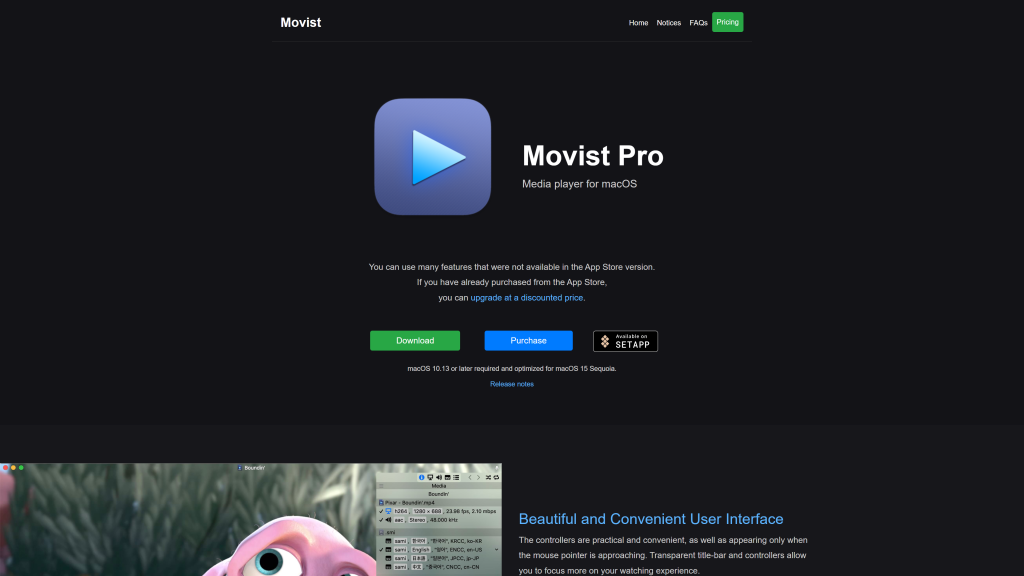
Movist is a beautifully designed video player with practical controls that allows you to swing into action with just a simple cursor hover.
The Pro version supports videos of different formats and offers stats in its menu in real time.
That means that you will get access to cool functions that will allow you to play videos back the way you want them.
Another thing that makes Movist the best video player for Mac is that it supports accelerated decoding of the H.256/HEVC.
What it means is that you can enjoy buttery smooth playback of your 4K videos. Besides this, you can set default preferences for configurations like video quality, language, EQ, filters, and more.
Pros
- Use less memory.
- Attractive and user-friendly interface
- Customizable features
Cons
- The free version lacks some useful features.
6. iFuna Media Player
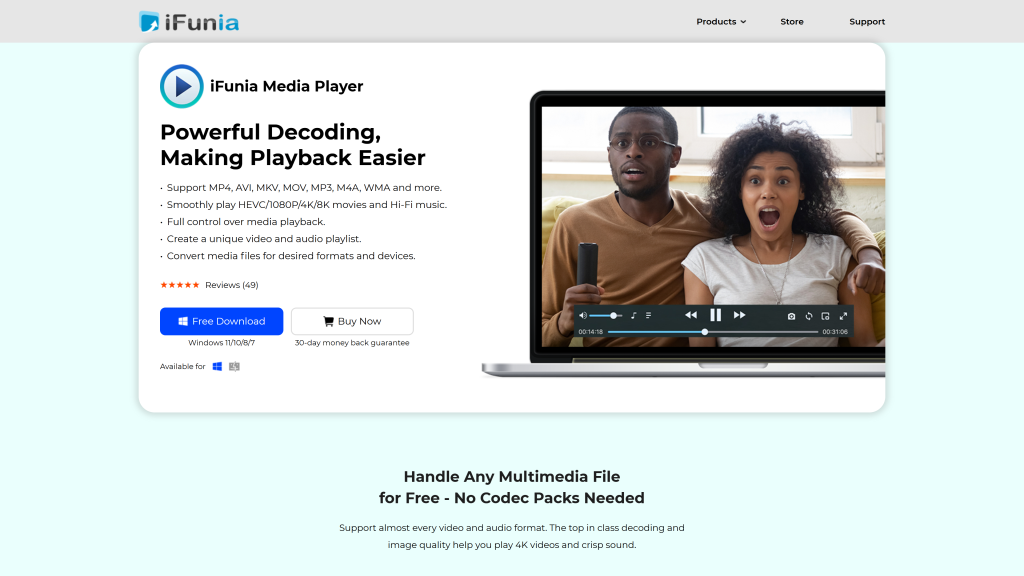
iFuna Media Player is one of the few video players that can play back 1080p, 4K, 8K, and HEVC high-resolution videos with impressive smoothness in nearly all formats.
The best thing about this player is that you can add subtitles, capture your computer screen, switch audio tracks, and control playback with hotkeys.
We also believe it is the best video player for Mac because it delivers video format conversion, auto-resume, HDR playback support, and a user-friendly interface.
In fact, iFuna can play back all your videos in full or mini screen and floating window.
Pros
- User-friendly interface
- Support high-resolution videos.
- Useful floating and mini-screen features
- Audio and video tweaking controls
Cons
- Expensive in-app converter
7. OmniPlayer
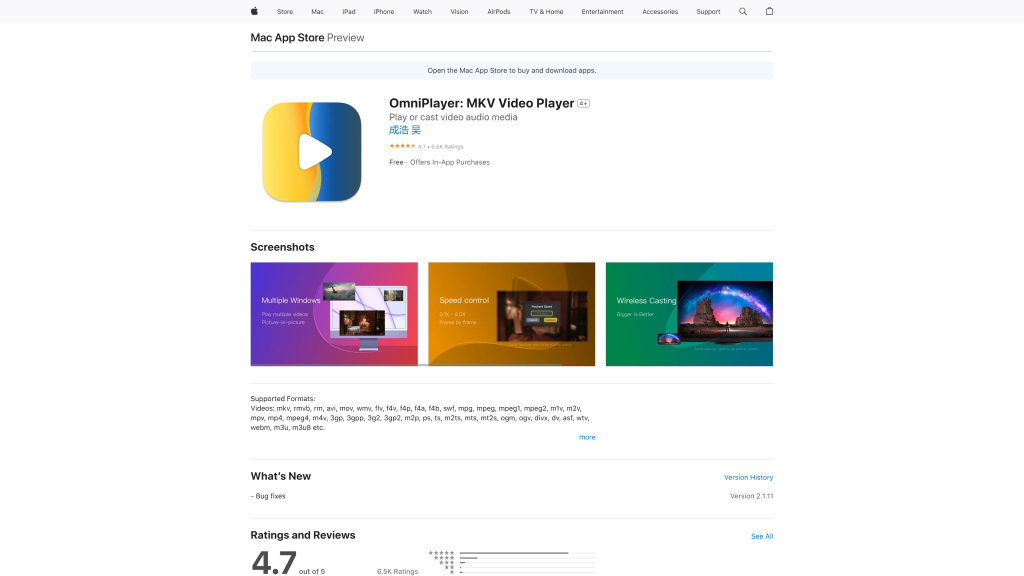
OmniPlayer is among the best video players for Mac because it supports almost any video format.
You can play your videos directly on your Mac or even stream them from a local network source or online.
Besides this, it casts videos to Chromecast and smart TV, but not through AirPlay.
What makes it unique is that it can grab GIFs from videos as well as still images.
Pros
- Play nearly all the video formats with ease.
- Subtitle download ability
- Completely free of charge
Cons
- Has limited features
8. Cisdem Video Player
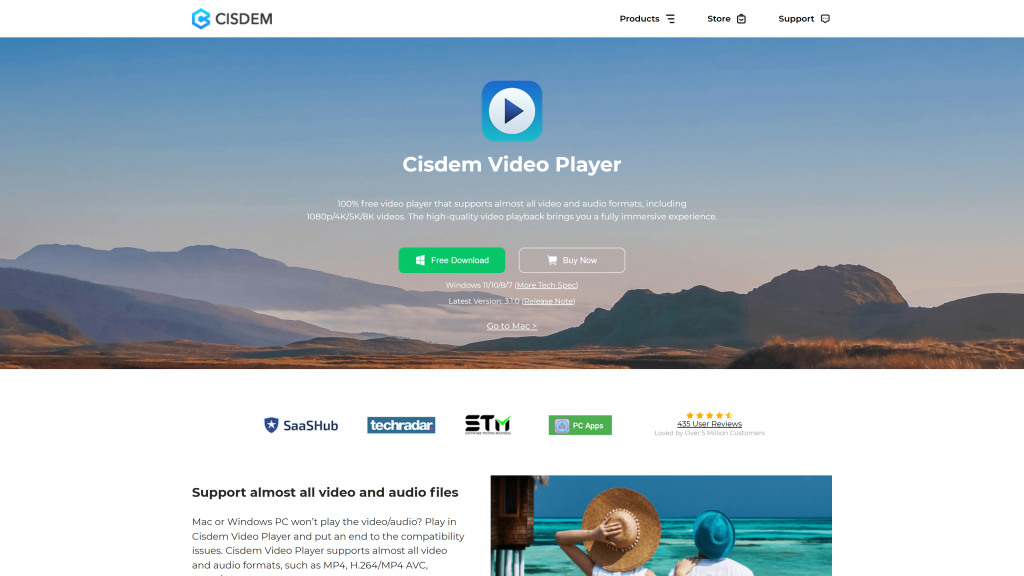
If you are looking for a video player that comes with extra features for Mac, then you need to consider Cisdem Video Player.
We love this player because it has an array of Mac-customizing features. It also lets you stick to the video tools. That is why we consider it the best video player for Mac.
We also love this software because it allows you to burn your own DVDs and CDs.
It is also an automatic video converter, prompting you to change file formats to fit your onboard player.
Apart from this, it has a nice interface, which you can customize to your liking.
Pros
- 5K and HD compatibility
- Supports over 50 video formats
- It doesn’t have additional plugins.
Cons
- Additional features may not be needed by some users.
9. QuickTime
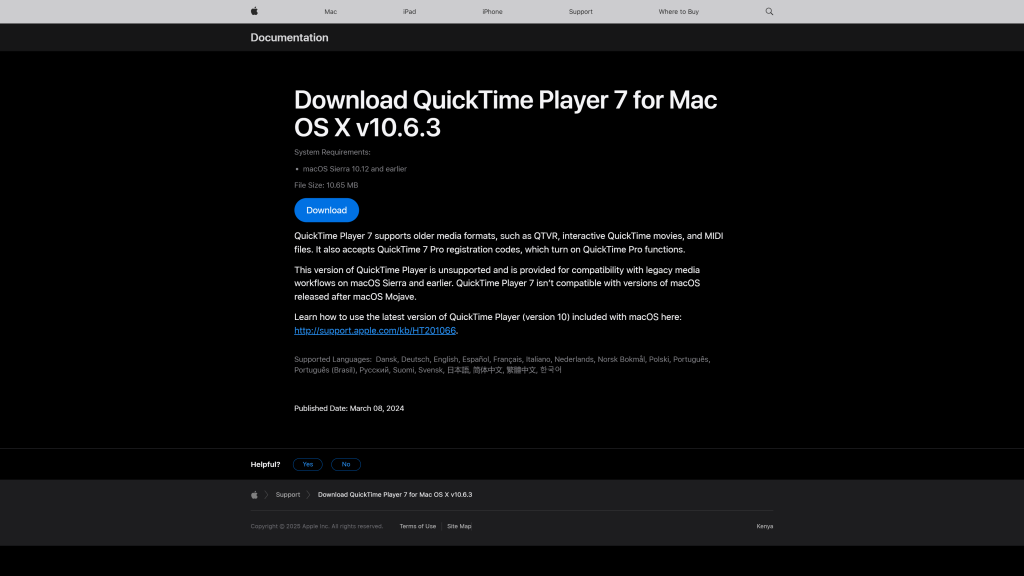
If you require basic features to stream videos on your Mac, then you might be content with the pre-installed QuickTime.
This video player is compatible with most current and some legacy formats.
Moreover, it can make screen recordings using your Mac’s built-in camera. You may also like the intuitive controls and some of its editing features.
Unfortunately, it is limiting when it comes to playing all video formats.
Pros
- Free and come preinstalled on your Mac
- Allows for video recording
- Useful controls
Cons
- Limited video format support
10. JustPlay
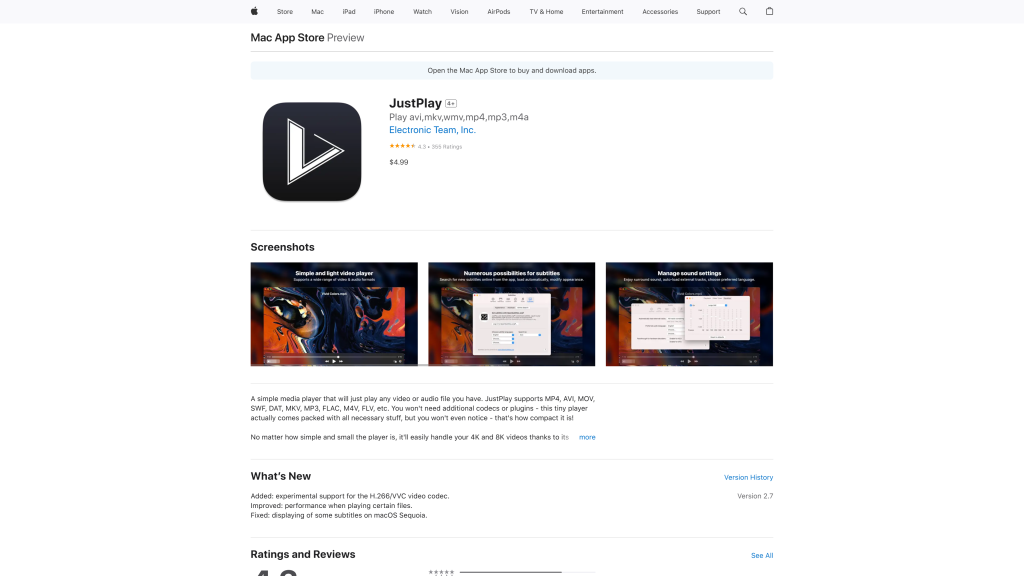
JustPlay is ideal for those who are looking for a lightweight Mac media player.
With its seamless playback features, Just Play can play just about any video file format around.
Of course, there are some exceptions.
One of its outstanding features that makes it the best video player for Mac is the ability to play up to 8K video quality.
Comparably, most players will only support up to 4K or 5K. On the downside, it lacks the ability to play Blu-ray.
Pros
- Play many video files automatically.
- No need for plugins.
- Support up to 8K resolution.
Cons
- Not ideal for playing Blu-ray discs
- No timecode display
Final Thoughts
With so many quality options to choose from, finding the best video player for Mac doesn’t have to be a challenging task.
Whether you are looking for a feature-rich media player or just need a simple one, you will find it on our list.
In fact, if you don’t have time to try it all, you can just pick one from the above recommended players, and hopefully you will love it.
Also Read:
- The 7 Best Video Editing Apps for Mac
- Best Monitor for Mac Mini: Ultimate Buyer’s Guide
- Best Free VPN for Mac: Top Picks for 2025
- Best Monitor for Mac Mini: Ultimate Buyer’s Guide

