

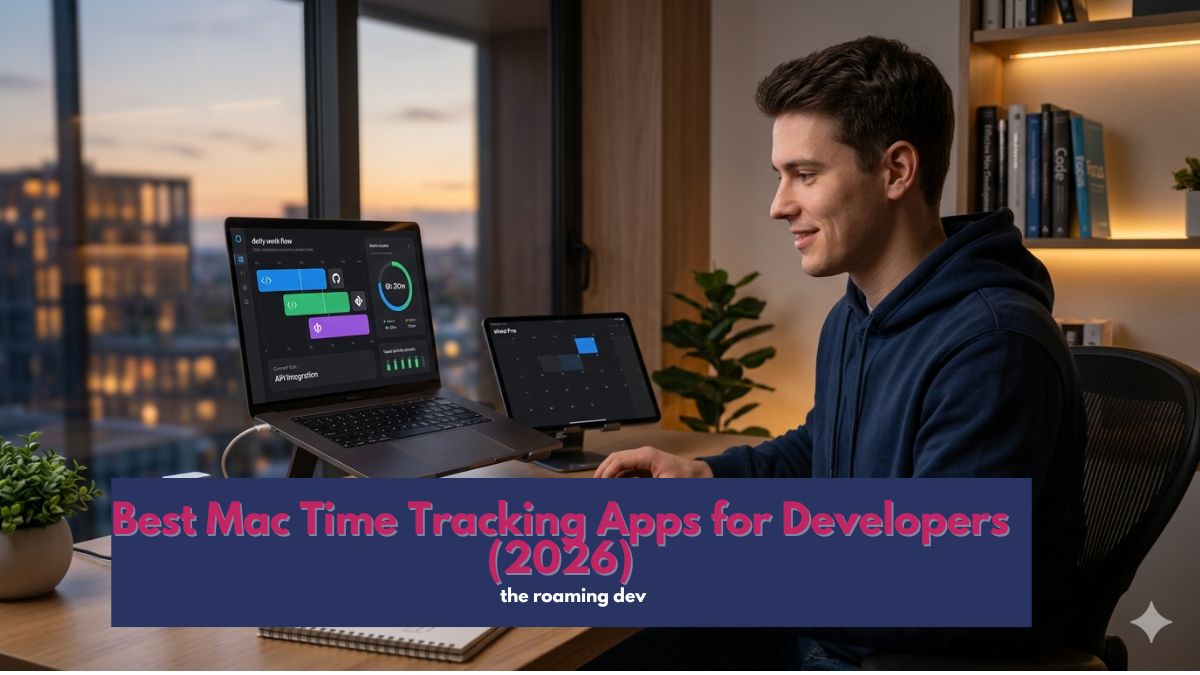
Every untracked hour is an unpaid one. When you are a freelance or remote developer juggling clients across time zones, the right Mac time tracking app is not a productivity toy; it is the difference between billing for your work and quietly guessing at it.
Studies of automatic trackers suggest manual timers lose 15 to 40% of billable minutes to forgotten starts and end-of-week reconstruction. So choosing well genuinely pays for itself.
The catch is that most “best of” lists rank these tools on vibes and Pomodoro timers, then quietly slip in employee-surveillance software built for managers, not for you.
We have done the opposite. Below, every pick is judged on what a developer who bills clients actually needs: accurate capture, clean invoicing, offline reliability, and Mac-native polish, no screenshot spyware in sight.
Quick answer: the best Mac time tracking apps in 2026
Best overall for developers: Toggl Track — clean, free to start, 100+ integrations including GitHub and Jira.
Best automatic, Mac-native tracker: Timing — logs your day with zero timers.
Best for invoicing: Harvest — the cleanest track-to-invoice workflow.
Best free option: Clockify — serious tracking at no cost.
Best AI tracker: Rize — automatic categorisation plus focus insights.
How we picked these Mac time tracking apps
Because our readers bill for their time and move between countries, we weighted five things that generic lists ignore.
- Accurate capture. First, the app should make it hard to lose billable minutes, whether through automatic tracking or frictionless timers.
- Invoicing and billing. Next, turning tracked hours into a client invoice should be quick, since that is the whole point.
- Offline reliability. Then, it must keep working on a flaky café connection and sync later, so you don’t lose your data.
- Multi-client and Mac/iOS sync. After that, it should handle several projects and follow you across your Mac and iPhone.
- Developer fit. Finally, integrations with GitHub, Jira, or your calendar keep tracking close to where the work happens.
Notably, we deliberately left out heavy employee-monitoring tools. Screenshot surveillance suits managers policing staff, not a solo developer billing honestly.
So if a tool leads with employee monitoring, we treat that as a reason to leave it off, not a feature.
The best Mac time tracking apps, reviewed
1. Toggl Track — best overall for developers
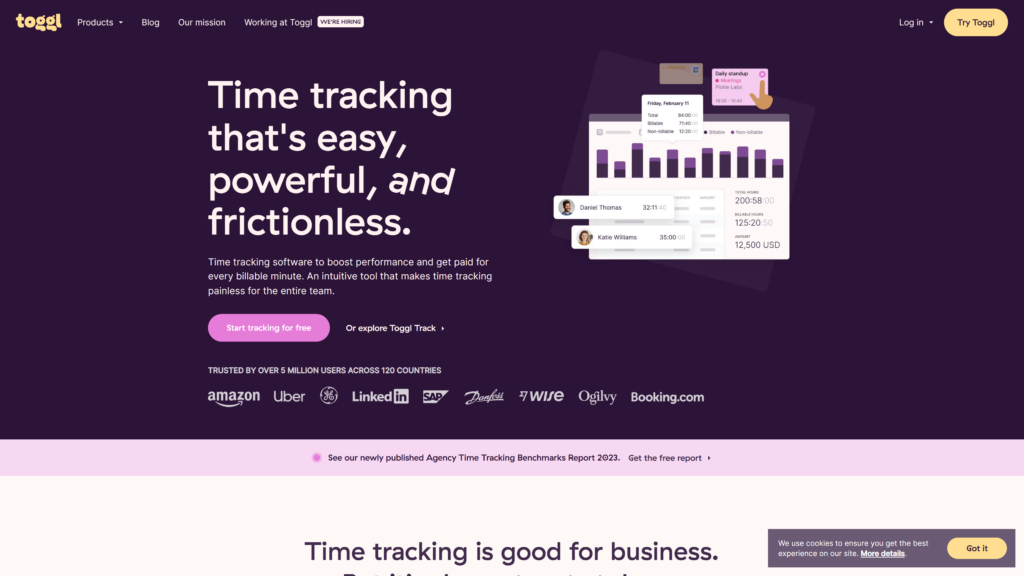
Toggl Track is the one most developers should try first.
It pairs a genuinely clean interface with over 100 integrations, including GitHub, Jira, and Google Calendar, so you can start a timer from inside the tools where you already work.
Moreover, its free plan covers solo tracking comfortably.
Best for: developers who want polished tracking with deep integrations. ·
Price: free for up to 5 users; paid billable-rate features from about $9/user/month.
- Pros: excellent Mac client; 100+ integrations; strong reporting; generous free tier.
- Cons: no built-in invoicing; billable rates require a paid plan.
2. Timing — best automatic, Mac-native tracker
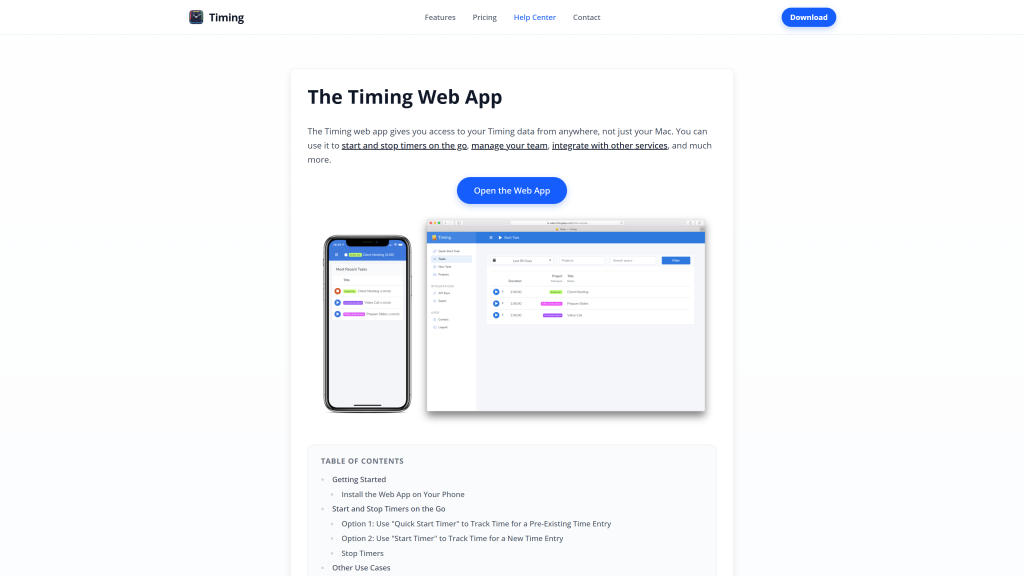
Timing is built only for the Mac, and it shows.
Rather than asking you to start timers, it records which apps, documents, and sites you use, then lets you turn that timeline into billable entries.
Consequently, it is ideal for developers who context-switch constantly and forget to hit start.
Best for: devs who never remember to run a timer. ·
Price: paid only, from roughly $10/month (free trial, no free tier).
- Pros: truly automatic; beautiful Mac-native design; no forgotten timers.
- Cons: Mac-only; no real team or invoicing features.
3. Harvest — best for invoicing
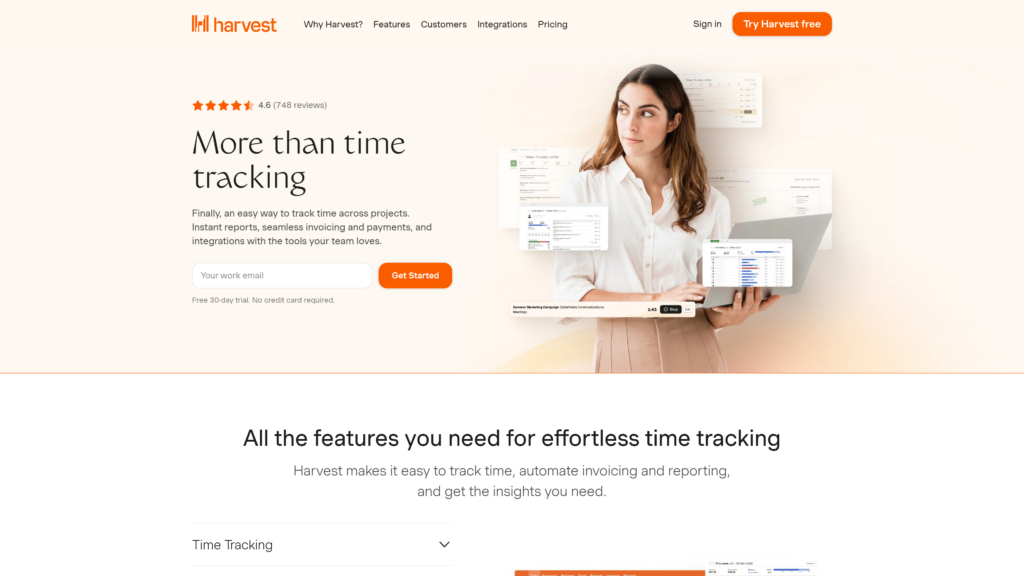
If getting paid is the goal, Harvest has the cleanest path from tracked time to a sent invoice.
You log hours against a client, then generate and send a branded invoice in a few clicks.
As a result, it suits freelancers who want tracking and billing in one place.
Best for: freelancers who invoice clients directly.
Price: free for 1 user and 2 projects; Pro from about $11–$12/user/month.
- Pros: built-in invoicing and expenses; 50+ integrations; simple flat pricing.
- Cons: the free plan is barely usable; fewer automatic features.
4. Clockify — best free Mac time tracker
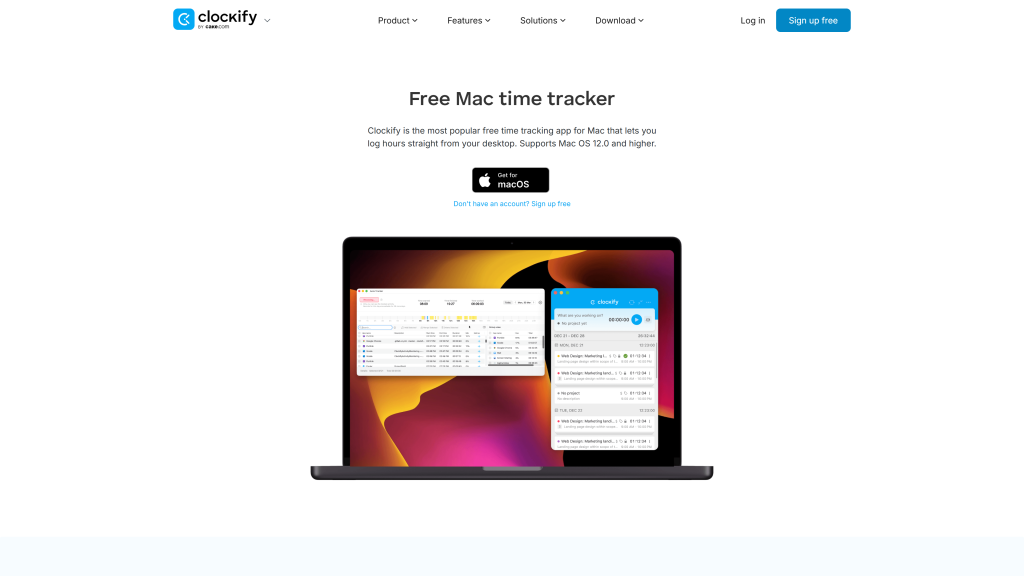
Meanwhile, Clockify remains the value champion. Its free plan handles unlimited projects and time entries, so a solo developer can run a whole client roster without paying a cent.
Still, note the 2026 change: the free tier now caps at five users, though that rarely troubles a freelancer.
Best for: budget-conscious devs and small teams. ·
Price: free (up to 5 users); paid from about $3.99/user/month.
- Pros: hugely generous free plan; invoicing on cheap tiers; cross-platform.
- Cons: less Mac-native polish; reporting feels utilitarian.
5. Rize — best AI automatic tracker
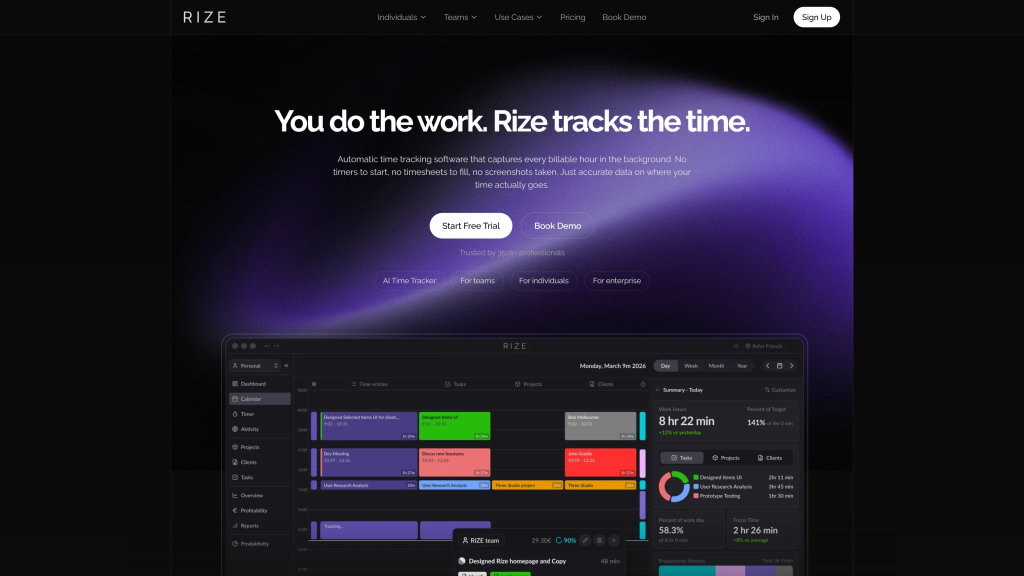
Rize runs quietly in the background, uses AI to categorise your work, and gets more accurate the longer you use it.
Beyond billing, it surfaces focus and breaks patterns, so it doubles as a productivity coach. Therefore, it appeals to developers who want insight as well as invoices.
Best for: devs who want automatic tracking plus focus analytics.
Price: from roughly $10/month.
- Pros: automatic AI categorisation; useful focus insights; Mac-native.
- Cons: subscription only; analytics can be more than a simple biller needs.
6. RescueTime — best for focus awareness
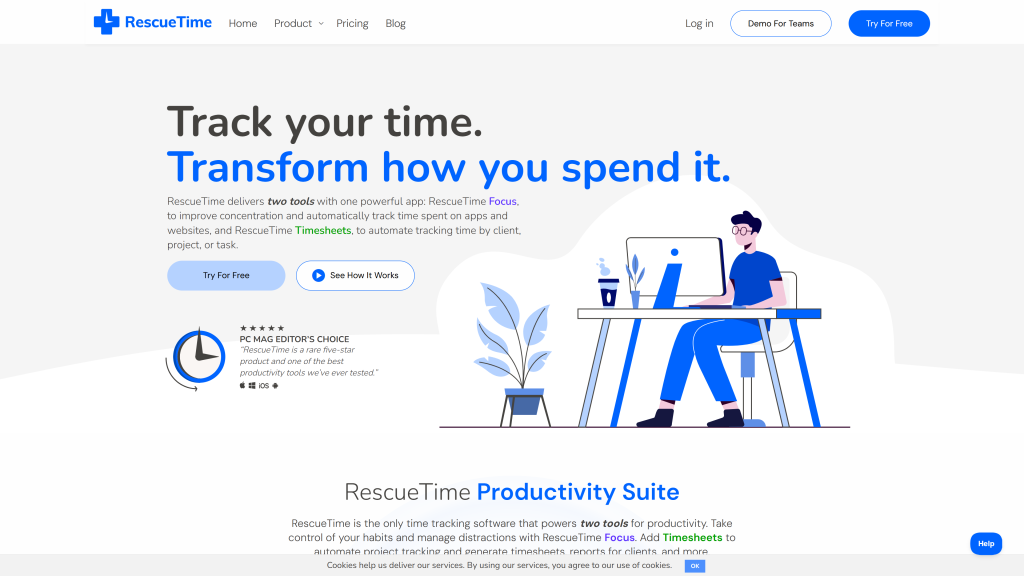
RescueTime is less about invoices and more about understanding where your hours actually go.
It automatically scores your activity, so you can see whether that “three-hour” feature really was three focused hours. In practice, it pairs well with a separate billing tool.
Best for: devs fighting distraction.
Price: free Lite tier; Premium from about $12/month.
- Pros: effortless automatic tracking; strong productivity reports; distraction blocking.
- Cons: not built for client billing; weaker project structure.
7. Timely — best AI timeline tracker
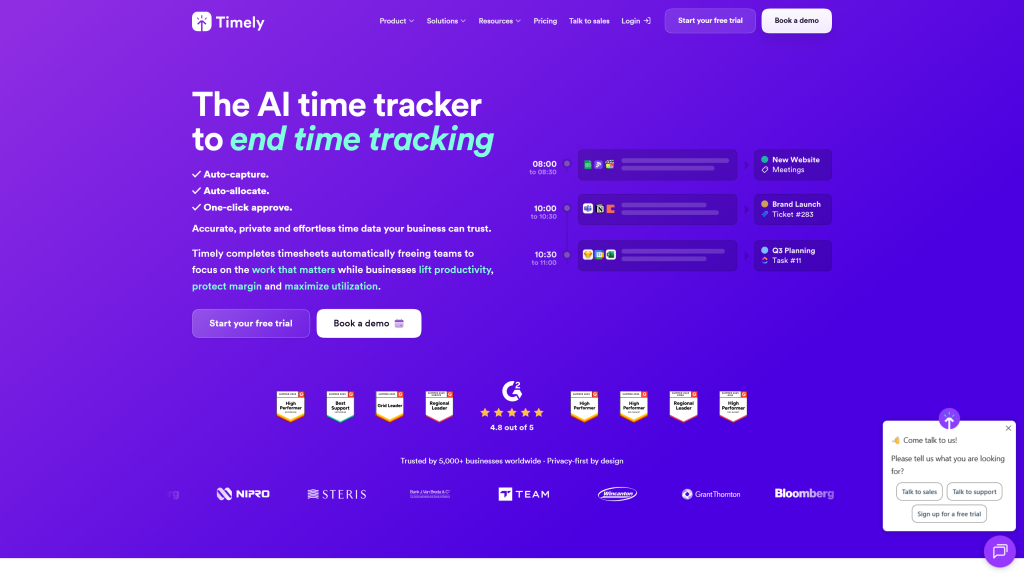
Timely records a private timeline of your day, then uses AI to draft your time entries for you.
So instead of building a timesheet from memory, you approve one the app has already assembled. That makes it a strong fit for devs who hate admin.
Best for: devs who want their timesheet written for them.
Price: from about $9–$11/user/month.
- Pros: automatic memory timeline; AI-drafted entries; good team features.
- Cons: pricier; the AI still needs a quick review.
8. Tyme — best simple tracker for solo freelancers
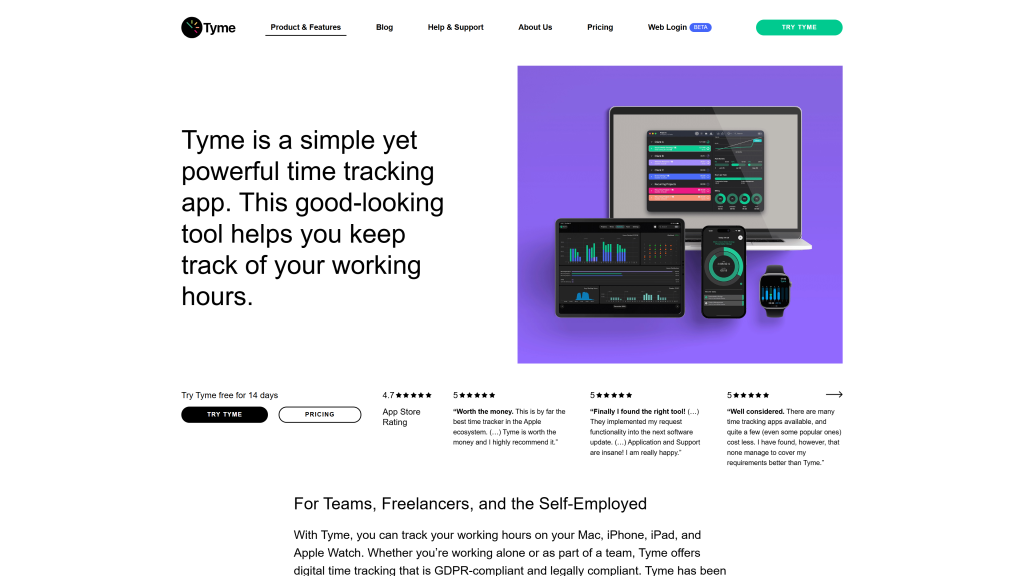
By contrast, Tyme is a tidy, affordable Mac and iOS tracker for freelancers who want the essentials done well.
It handles projects, billable hours, and light invoicing, and it syncs cleanly across Apple devices. Ultimately, it is the no-nonsense pick for a one-person operation.
Best for: solo devs who want simple Apple-native tracking.
Price: subscription from about $3–$4/month.
- Pros: clean Mac/iOS sync; affordable; light invoicing built in.
- Cons: limited integrations; not for teams.
Comparison: the best Mac time tracking apps at a glance
| App | Tracking type | Invoicing? | Free tier? | From |
|---|---|---|---|---|
| Toggl Track | Manual + auto | No (add-on) | Yes (5 users) | ~$9/user/mo |
| Timing | Automatic | No | Trial only | ~$10/mo |
| Harvest | Manual | Yes | Yes (1 user) | ~$11/user/mo |
| Clockify | Manual | Yes (paid) | Yes (5 users) | ~$3.99/user/mo |
| Rize | Automatic (AI) | No | Limited | ~$10/mo |
| RescueTime | Automatic | No | Yes (Lite) | ~$12/mo |
| Timely | Automatic (AI) | Yes | Trial | ~$9/user/mo |
| Tyme | Manual | Light | Trial | ~$3/mo |
Prices are approximate for 2026; see the data note at the foot.
Does macOS have a built-in time tracker?
Not really. macOS Screen Time shows how long you spend in apps, but it cannot tag hours to clients, set billable rates, or produce an invoice.
So while it is fine for curiosity, any developer billing for their time needs a dedicated Mac time tracking app from the list above.
Automatic vs manual time tracking: Which should you use?
This is the core decision, so weigh it honestly. Automatic trackers like Timing, Rize, and RescueTime run in the background and capture everything, which means you never lose a forgotten minute.
Manual trackers like Toggl and Harvest, by contrast, give you tighter control over exactly what counts as billable.
For most roaming developers, automatic tracking wins, simply because it survives the chaos of travel and context-switching.
That said, if your billing needs precise, client-approved entries, a manual timer keeps you in full control.
Either way, check that your pick stores entries offline, since the best automatic tracker is useless if it drops your data the moment the wifi does.
Tips for tracking your hours on the road
A tracker only helps if you actually use it, so build a few habits early. Fortunately, they take minutes to set up and save hours later.
- Automate the start. Wherever possible, let the app track automatically, because a forgotten timer is a forgotten invoice.
- Tag by client immediately. Always assign each entry to a client as you go, since reconstructing a week later is pure guesswork.
- Check it works offline. Before you travel, confirm the app records offline and syncs on reconnect, so a dead café connection never costs you data.
- Reconcile weekly. Finally, review your hours every Friday while the work is fresh, then send invoices without second-guessing.
Do that, and tracking fades into the background while your billing stays accurate, wherever you happen to be working that week.
Which Mac time tracking app should you choose?
Narrow it down to one line. Choose Toggl Track if you want the best all-round developer experience, Timing if you forget timers, Harvest if invoicing matters most, and Clockify if budget is everything.
Each pairs neatly with a cloud-first remote developer setup so your tracking syncs wherever you land.
Frequently asked questions
For most developers, Toggl Track is the best all-round Mac time tracking app, thanks to its clean design, generous free plan, and deep integrations.
If you prefer automatic tracking, Timing is the best Mac-native choice.
Generally, Clockify offers the most generous free plan, with unlimited projects and time entries for up to five users.
Toggl Track’s free tier is also excellent for solo developers who want a cleaner interface.
Specifically, Timing is the best Mac-native automatic tracker, recording your activity without timers.
Rize and RescueTime are strong automatic alternatives that add AI categorisation and focus insights.
Harvest has the cleanest built-in invoicing, turning tracked hours into client invoices directly.
Clockify and Tyme also include invoicing, while Toggl needs a separate billing tool.
Broadly, Toggl is the most polished all-rounder, Clockify is the best free option, and Harvest is the best for invoicing.
For a solo developer, the choice usually comes down to whether you need built-in billing.
Yes, because untracked time is unbilled income, a good tracker quickly pays for itself.
Automatic tools, in particular, recover billable minutes you would otherwise forget.
The bottom line
So, what is the best Mac time tracking app? For a developer who bills clients and works from anywhere, Toggl Track is the safest first pick, with Timing close behind if you would rather not touch a timer at all.
Whichever you choose, the real win is the same: every hour you work becomes an hour you can actually account for and confidently charge for.
Next, build the rest of your kit: see our remote developer setup guide, pick a city to base in, and line up the remote developer jobs that make tracked hours worth tracking.
Also Read:
- Remote Developer Setup: The Work-From-Anywhere Build
- Best Terminal for Mac. 10 Mac Terminal Emulator Options For 2025
- Best Free VPN for Mac: Top Picks for 2025
A note on the data. App prices and plan limits were compiled in June 2026 from each provider and current reviews; notably, Clockify capped its free plan at five users in April 2026. SaaS pricing changes often, so confirm the latest plans on each official website before subscribing. Prices shown are approximate starting points and exclude taxes.

1 Comment
Pingback: Top 10 Best ERP for small business in 2023 [Free & Paid]