


Close Menu
The Roaming DevThe Roaming Dev

    Subscribe to Updates

    What's Hot

    Best Cities for Remote Developers (2026 Guide)

    June 3, 2026

    Remote Developer Setup: The Work-From-Anywhere Build

    June 3, 2026

    Remote Developer Jobs: The Complete Work-From-Anywhere Guide

    June 3, 2026
    Facebook X (Twitter) Instagram
    The Roaming DevThe Roaming Dev
    X (Twitter) Instagram Pinterest Reddit
    Subscribe Now
    • Home
    • About Us
    • Where to base
      1. Accomodation
      2. Best Places For Remote Devs
      3. Destination guides
      4. Coworking & wifi
      5. Travel Logistics
      Featured
      Best Places For Remote Devs

      Best Cities for Remote Developers (2026 Guide)

      June 3, 2026
      Recent

      Best Cities for Remote Developers (2026 Guide)

      June 3, 2026

      Best Places to Travel in Winter: Escape the Cold in 2025

      August 1, 2025

      Best Places to Visit in Europe in October for Fall Getaways

      July 4, 2025
    • Mobile Set-Up
      1. Connectivity and Security
      2. Dev tools & editor setup
      3. Laptops & portable hardware
      4. Productivity & collaboration
      5. View All

      What Is Digital Nomadism? The State of Digital Nomadism in 2024

      July 11, 2024

      How to Become a Digital Nomad in 2024 (Pros, Cons, and Common Jobs)

      February 28, 2024

      Best Python Frameworks for Web Development: A 2025 Guide

      September 22, 2025

      Best Open Source VPN: Secure Your Connection for Free

      September 1, 2025

      Best Open Source Software for Developers: Top Picks for 2025

      August 3, 2025

      Best Mechanical Keyboard for Programming: Top Picks for 2025

      May 8, 2025

      Best Speakers For Mac Mini: Enhance Your Audio Experience

      September 2, 2025

      Best Monitor for Mac Mini: Ultimate Buyerโ€™s Guide

      August 5, 2025

      Best Monitor for Developers: Upgrade Your Coding Setup

      August 2, 2025

      Best Linux Distro for Developers: Find the Perfect Fit

      June 5, 2025

      7 Reasons Why is Laravel the best PHP framework in 2024?

      March 30, 2023

      How To Become a PHP Developer in 2024 [Step By Step Beginner’s Guide]

      January 25, 2023

      Is PHP Dead? The State Of PHP in 2024.

      January 24, 2023

      Remote Developer Setup: The Work-From-Anywhere Build

      June 3, 2026

      Best Python Frameworks for Web Development: A 2025 Guide

      September 22, 2025

      Best Video Players for Mac: Smooth & High-Quality Playback

      September 19, 2025

      Best Speakers For Mac Mini: Enhance Your Audio Experience

      September 2, 2025
    • Nomad Logistics
      • Banking & payments
      • Insurance & health
      • Taxes for remote workers
      • Visas & residency
    • Dev Careers
      1. Remote dev jobs & roles
      2. Freelancing & contracting
      3. View All

      Jobs for Americans in Europe: Ultimate Guide (2025)

      January 5, 2025

      17 Best Work-From-Home Jobs Requiring No Experience

      January 4, 2025

      LiveOps Reviews 2024: 11 Things To Know Before Signing Up

      November 3, 2024

      TranscribeMe Reviews 2024: 11 Things To Know Before Signing Up

      November 1, 2024

      Best AI for Coding: Free & Paid Options for Developers

      August 7, 2025

      Best Open Source LLM in 2025: The Ultimate Guide for Developers

      August 4, 2025

      Remote Developer Jobs: The Complete Work-From-Anywhere Guide

      June 3, 2026

      Best AI for Coding: Free & Paid Options for Developers

      August 7, 2025

      Best Open Source LLM in 2025: The Ultimate Guide for Developers

      August 4, 2025

      Jobs for Americans in Europe: Ultimate Guide (2025)

      January 5, 2025
    • Contact
    The Roaming DevThe Roaming Dev
    10 Best Remote Collaboration Software For 2024[Pros, Cons & Pricing]
    Remote dev jobs & roles

    10 Best Remote Collaboration Software For 2024[Pros, Cons & Pricing]

    A Comprehensive Breakdown of the 10 Best Collaboration Software For 2024
    The Roaming DevBy The Roaming DevJanuary 29, 2023Updated:May 13, 2024No Comments7 Mins Read
    Facebook Twitter Pinterest LinkedIn Tumblr WhatsApp Telegram Email
    virtual call
    Share
    Facebook Twitter LinkedIn Pinterest Email

    Table of Contents

    Toggle
    • Introduction
      • What is remote collaboration software?
    • List of 10 Best Remote Collaboration Software
      • What are the types of collaboration tools?
      • What are the criteria for Evaluating Remote Collaboration Software?
    • Detailed Review Of The 10 Best Remote Collaboration Software
      • #1. Slack
      • #2. Microsoft Teams
      • #3. Zoom
      • #4. Google Meet
      • #5. Asana
      • #6. Trello
      • #7. Monday.com
      • #8. Airtable
      • #9. Figma
      • #10. Notion
    • Conclusion

    Introduction

    The world has changed dramatically in the last decade, and remote work has become popular. With the rise of remote work, remote collaboration software has become essential for individuals and teams who want to stay connected, regardless of location.

    What is remote collaboration software?

    Remote collaboration software is a platform that allows individuals and teams to work together, share files, and communicate with each other, all from a remote location.

    This blog post will explore the ten best remote collaboration software available on the market. We’ll go over their features, pros and cons, and their pricing so that you can make an informed decision when choosing the best software for your needs

    List of 10 Best Remote Collaboration Software

    • Slack
    • Microsoft Teams
    • Zoom
    • Google Meet
    • Asana
    • Trello
    • Monday.com
    • Airtable
    • Figma
    • Notion

    What are the types of collaboration tools?

    There are several types of collaboration tools for remote workers including

    1. Project Management Tools
    2. Communication and Chat Tools
    3. File Sharing and Storage Tools
    4. Virtual Meeting Tools
    5. Task Management Tools
    6. Knowledge Management Tools
    7. Workflow Automation Tools
    8. Time Tracking Tools

    What are the criteria for Evaluating Remote Collaboration Software?

    When evaluating remote collaboration software, there are several key factors that should be considered:

    1. User-friendly interface: The software should be easy to use and intuitive.
    2. Collaboration features: The software should have robust collaboration features, such as file sharing, team chat, and more.
    3. Integration with other tools: The software should integrate with other tools and software that you already use.
    4. Mobile accessibility: The software should be accessible on both desktop and mobile devices.
    5. Pricing and availability: The software should be affordable and readily available to all users.

    Note: The pricing mentioned above is based on the lowest paid plan and is subject to change.

    Detailed Review Of The 10 Best Remote Collaboration Software

    #1. Slack
    slack logo
    slack

    This is a popular remote collaboration tool that offers robust features for communication and file sharing.

    On top of that, it has a user-friendly interface that is easy to navigate and integrates with many other tools such as Google Drive, Jira, GitHub, GitLab, and BitBucket.

    Additionally, it is accessible on both web, desktop and mobile devices.

    Pros:

    • Easy to use
    • Robust collaboration features
    • Integration with many other tools
    • Available on mobile, desktop and web

    Cons:

    • User interface is not very friendly
    • Message threads can be confusing
    • Too many notifications if not controlled
    • 90-Day messages expiry on the free plan

    Pricing:

    • Free plan available
    • Pro: $7.25 per user per month
    • Business+: $12.50 per user per month
    • Enterprise Grid: Custom Pricing
    VISIT WEBSITE

    #2. Microsoft Teams

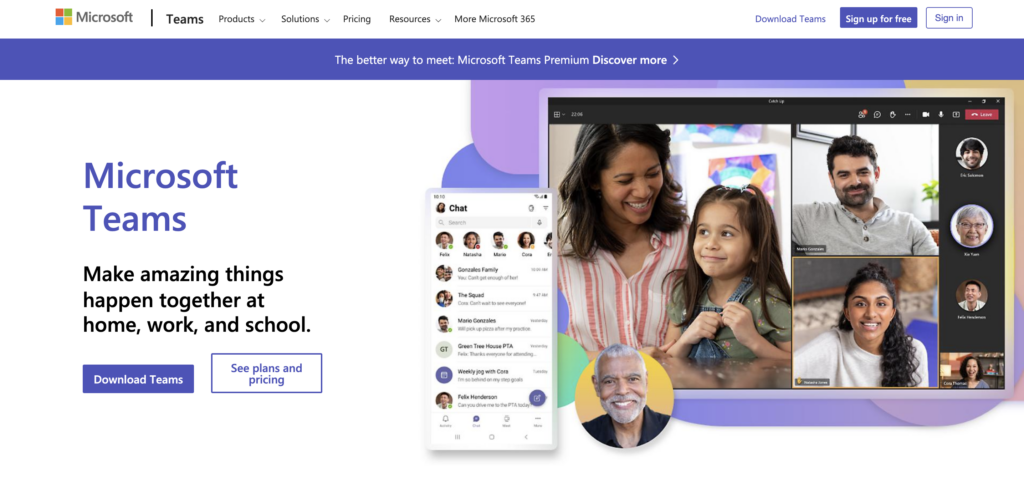
    microsoft teams
    Microsoft teams

    Teams is a remote collaboration tool that offers video conferencing, file sharing, and instant messaging capabilities.

    Teams supports real-time communication and collaboration and integrate with other Microsoft products such as SharePoint and OneDrive.

    It also has a user-friendly interface and is accessible on both desktop and mobile devices.

    Pros:

    • Direct integration with Microsoft products
    • Webinar support
    • Bot automation support
    • Document collaboration

    Cons:

    • Limited number of channels
    • Consumes more storage
    • User interface is not the best
    • Limited storage

    Pricing:

    • Free plan available
    • Microsoft Teams Essentials: $4.00 per user per month
    • Microsoft 365 Business Basic: $6.00 per user per month
    • Microsoft 365 Business Standard: $12.50 per user per month
    VISIT WEBSITE

    #3. Zoom

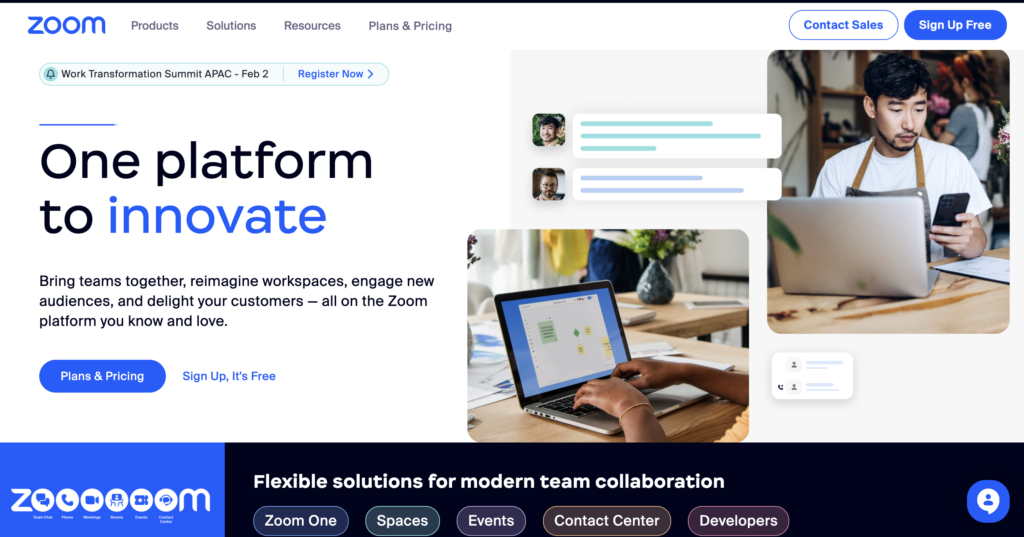
    Zoom
    zoom

    A remote collaboration tool that is primarily used for video conferencing.

    It offers high-quality video and audio, making it an excellent option for teams who want to stay connected visually.

    Additionally, it offers screen sharing, recording, and collaboration features, making it a versatile tool for remote teams.

    It is available on mobile, web, and desktop, making it accessible for remote teams across multiple devices.

    Pros:

    • User-friendly interface
    • High quality audio and video
    • Integration with other tools via add-ons
    • Screen sharing
    • Customizable virtual backgrounds

    Cons:

    • Requires more subscriptions to add-ons
    • Zoom bombing
    • Data leaks
    • Privacy concerns

    Pricing:

    • Basic: Free
    • Pro: $14.99 per user per month
    • Business: $19.99 per user per month
    • Enterprise: Custom Pricing
    VISIT WEBSITE

    #4. Google Meet

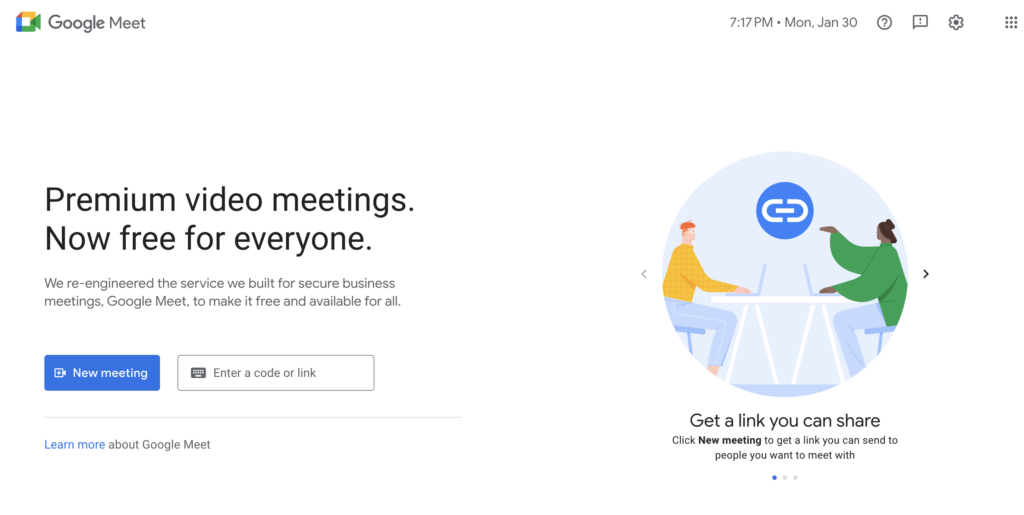
    google meet
    google meet

    Google’s remote collaboration tool offers video conferencing and screen-sharing capabilities.

    It integrates with other Google products, such as Google Drive and Gmail, making it a great option for teams who already use Google products.

    Additionally, Google Meet is accessible on web, desktop and mobile devices.

    Pros:

    • Simple & user-friendly interface
    • Direct integration with Google products
    • Lightweight
    • High-quality video and audio
    • Mobile and cross-platform accessibility

    Cons:

    • Restrictions with screen sharing
    • Limited features compared to competitors
    • No waiting room feature

    Pricing:

    • Free
    VISIT WEBSITE

    #5. Asana

    Asana
    Asana

    This is a versatile project management tool that simplifies remote collaboration.

    Collaborating remote teams can create and assign tasks, set deadlines, and communicate with each other all in one place.

    Additionally, Asana includes boards to visualize your projects and ideas.

    Pros:

    • Easy to use
    • Numerous integration with other tools
    • Enhanced collaboration features

    Cons:

    • No time-tracking
    • Too many features for smaller teams

    Pricing:

    • Basic: Free
    • Premium: $10.99 per user per month
    • Business: $24.99 per user per month
    VISIT WEBSITE

    #6. Trello

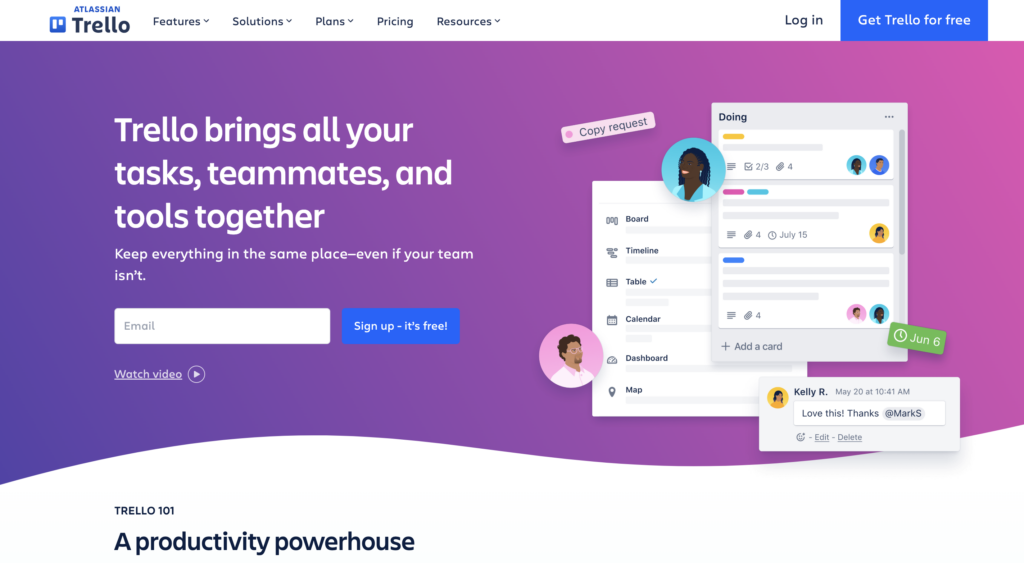
    trello
    trello

    This project management tool offers a visual way to organize tasks and collaborate with teams.

    Hybrid and remote teams can create boards, add cards, and assign tasks in one place.

    It integrates with other tools such as Google Drive making it a versatile tool for remote teams.

    Pros:

    • User-friendly interface
    • Robust notifications
    • Integration with other tools
    • Butler feature allows several automations,

    Cons:

    • No offline mode
    • Limited storage
    • Mostly suitable for smaller teams

    Pricing:

    • Basic: Free
    • Standard: $5 per user per month
    • Premium: $10 per user per month
    • Enterprise: Custom pricing
    VISIT WEBSITE

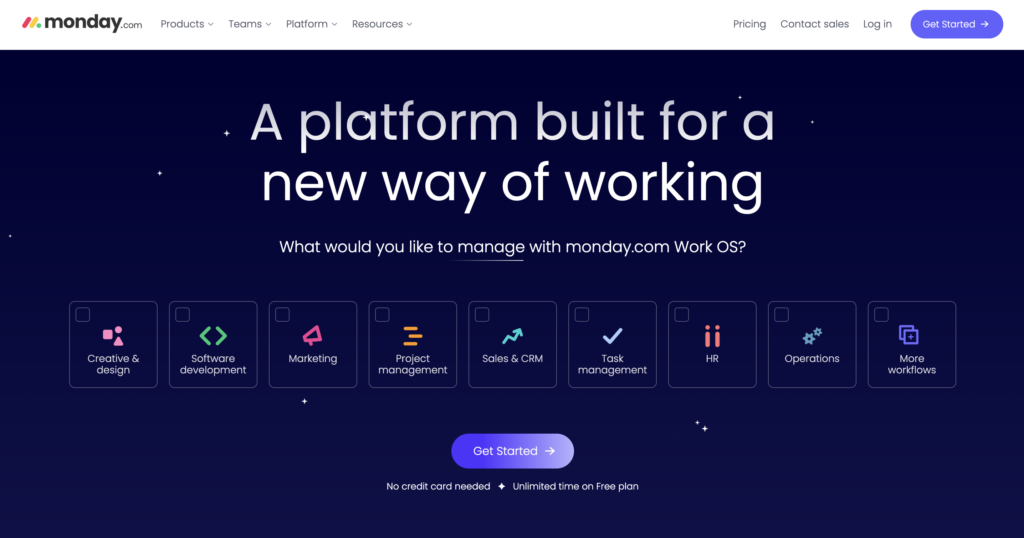
    #7. Monday.com

    monday.com
    monday.com

    This is a project management tool that offers a visual way to organize tasks and collaborate with teams.

    Teams can create boards, add tasks, and communicate with each other all in one place.

    Teams can create boards, add tasks, and communicate with each other all in one place.

    Pros:

    • Visual project management
    • Integration with other tools
    • User-friendly interface
    • Mobile accessibility

    Cons:

    • Can be overwhelming for smaller teams
    • Limited storage space on the free plan

    Pricing:

    • Free plan available with limitations
    • Basic: $8.00 per user per month
    • Standard: $10.00 per user per month
    • Pro: $16.00 per user per month
    • Enterprise: custom pricing
    VISIT WEBSITE

    Also Read: 10 Best Mac Apps For Developers In 2024

    #8. Airtable

    AIRTABLE
    Airtable

    This is a flexible database that offers remote collaboration features.

    Remote teams can create and manage databases, add tasks, and communicate with each other all in one place.

    Additionally, it is great for projects and workflow management.

    Pros:

    • Flexible database
    • Quick setup
    • In-built automations
    • Includes no code app builder

    Cons:

    • Limited project management features
    • Premium extensions needed to get all features
    • Can be overwhelming for smaller teams

    Pricing:

    • Free plan available
    • Plus: $10.00 per user per month
    • Pro: $20.00 per user per month
    • Enterprise: custom pricing
    VISIT WEBSITE

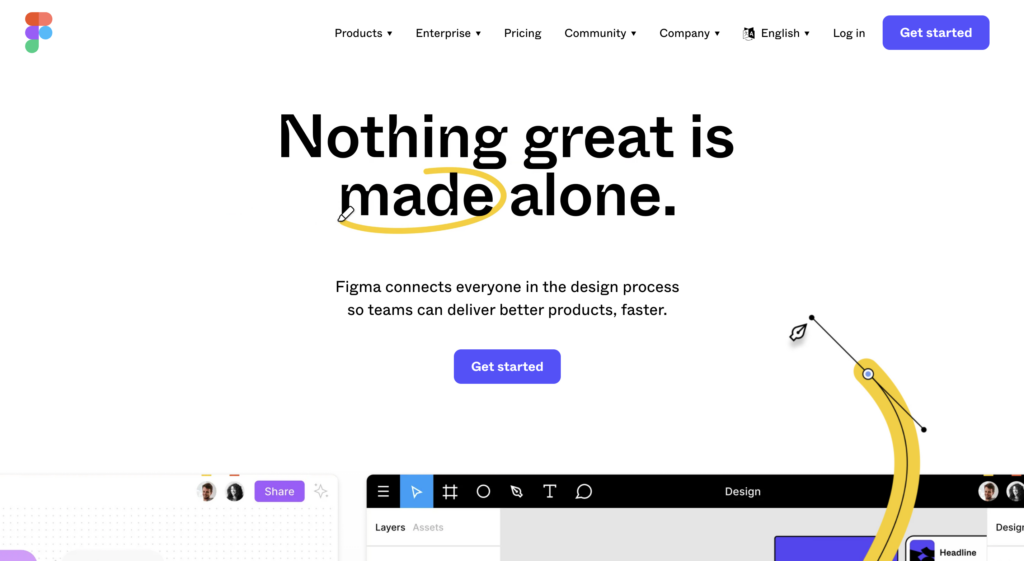
    #9. Figma

    figma
    Figma

    A design collaboration tool that offers remote collaboration features.

    Teams can create and design together, share files, and communicate with each other all in one place.

    Pros:

    • Easy mockup designs
    • Extract code from designs
    • Real-time collaboration
    • Great UI/UX

    Cons:

    • Limited projects on the free plan
    • No document versioning
    • No offline mode

    Pricing:

    • Starter: Free
    • Figma Professional: $12.00 per editor per month
    • Figma Organization: $45.00 per editor per month
    VISIT WEBSITE

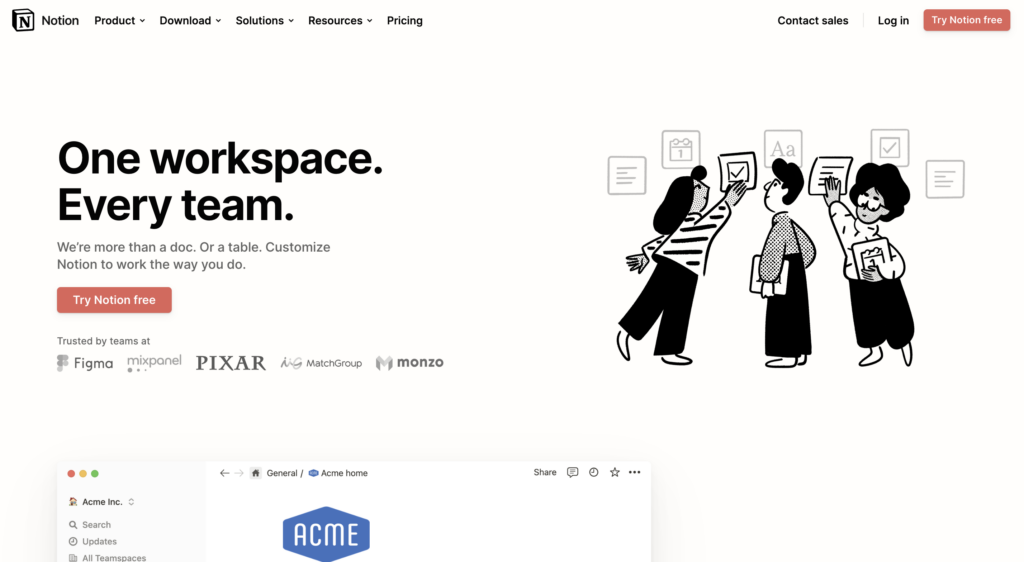
    #10. Notion

    notion
    notion

    This is a task management and collaboration workspace for teams that has become very popular among remote teams.

    It allows businesses to centralize and share data more easily across different projects.

    It offers thousands of community-made templates and integrations to design documents, take meeting notes, publish websites, and more.

    Pros:

    • Huge variety of templates
    • Robust collaboration features
    • Numerous integrations

    Cons:

    • Limited features on the free plan
    • Offline mode is unstable

    Pricing:

    • Free plan available
    • Plus: $10 per user per month
    • Business: $18 per user per month
    • Enterprise: Custom pricing
    VISIT WEBSITE

    Conclusion

    In conclusion, remote collaboration tools have become essential tools for remote teams to stay connected and productive. The above 10 tools are some of the best remote collaboration software available, each with its own unique features and benefits.

    Consider your team’s needs and budget when choosing the right tool for your team.

    Picks Remote Work
    Share. Facebook Twitter Pinterest LinkedIn Tumblr Email
    The Roaming Dev
    • Website

    Related Posts

    Jobs for Americans in Europe: Ultimate Guide (2025)

    January 5, 2025

    17 Best Work-From-Home Jobs Requiring No Experience

    January 4, 2025

    LiveOps Reviews 2024: 11 Things To Know Before Signing Up

    November 3, 2024

    TranscribeMe Reviews 2024: 11 Things To Know Before Signing Up

    November 1, 2024

    The Ultimate Guide to Finding Jobs Abroad for Americans

    October 25, 2024

    33 Best Work At Home Companies for Remote Jobs

    October 17, 2024
    Add A Comment

    Comments are closed.

    Subscribe to My Newsletter

    Don't Miss
    Best Places For Remote Devs

    Best Cities for Remote Developers (2026 Guide)

    June 3, 2026

    Forget the beach photos for a second. The best city for a remote developer is…

    Remote Developer Setup: The Work-From-Anywhere Build

    June 3, 2026

    Remote Developer Jobs: The Complete Work-From-Anywhere Guide

    June 3, 2026

    Best Python Frameworks for Web Development: A 2025 Guide

    September 22, 2025
    Our Picks

    Top 10 Best Mac Time Tracking Apps For 2024 [Including Free Options]

    January 30, 2023

    10 Best Remote Collaboration Software For 2024[Pros, Cons & Pricing]

    January 29, 2023

    10 Best Mac Apps For Developers In 2024

    January 28, 2023

    How To Become a PHP Developer in 2024 [Step By Step Beginner’s Guide]

    January 25, 2023
    Stay In Touch
    • Twitter
    • Pinterest
    • Instagram
    • Reddit
    About The Roaming Dev
    About The Roaming Dev

    Discover the digital nomad lifestyle, remote work insights, travel adventures, developer guides, and top software recommendations on our lifestyle blog. Your hub for a tech-savvy, nomadic journey.

    Email us: theroamingdev@gmail.com

    Follow me on social media for more content!

    X (Twitter) Instagram Pinterest Reddit
    Our Picks

    Top 10 Best Mac Time Tracking Apps For 2024 [Including Free Options]

    January 30, 2023

    10 Best Remote Collaboration Software For 2024[Pros, Cons & Pricing]

    January 29, 2023

    10 Best Mac Apps For Developers In 2024

    January 28, 2023
    Legal & Compliance
    • Terms Of Use
    • Disclaimer
    • Privacy Policy
    Facebook X (Twitter) Instagram Pinterest
    • Home
    • Dev Careers
    • Where to base
    • Mobile Set-Up
    • Nomad Logistics
    © 2026 The Roaming Dev

    Type above and press Enter to search. Press Esc to cancel.

    ~/the-nomads-choice/subscribe.sh
    Wifi ยท Found

    # for devs who push to prod from a hammock

    $ join –roaming-devs

    One email. Zero fluff. The tools, gigs, visas, and dirt-cheap fast-wifi spots that keep roaming devs shipping from anywhere on Earth.

    โœ“remote gigs & contracts worth your time
    โœ“nomad-proof tools, setups & dev stacks
    โœ“visa & tax hacks, decoded for builders
    โœ“fast-wifi cafรฉs the tourists never find
    broadcasting live from a beach in Bali

    no spam, ever. unsubscribe in 1 click. โ€” The Nomad’s Choice

    Ad Blocker Enabled!
    Ad Blocker Enabled!
    Our website is made possible by displaying online advertisements to our visitors. Please support us by disabling your Ad Blocker.