




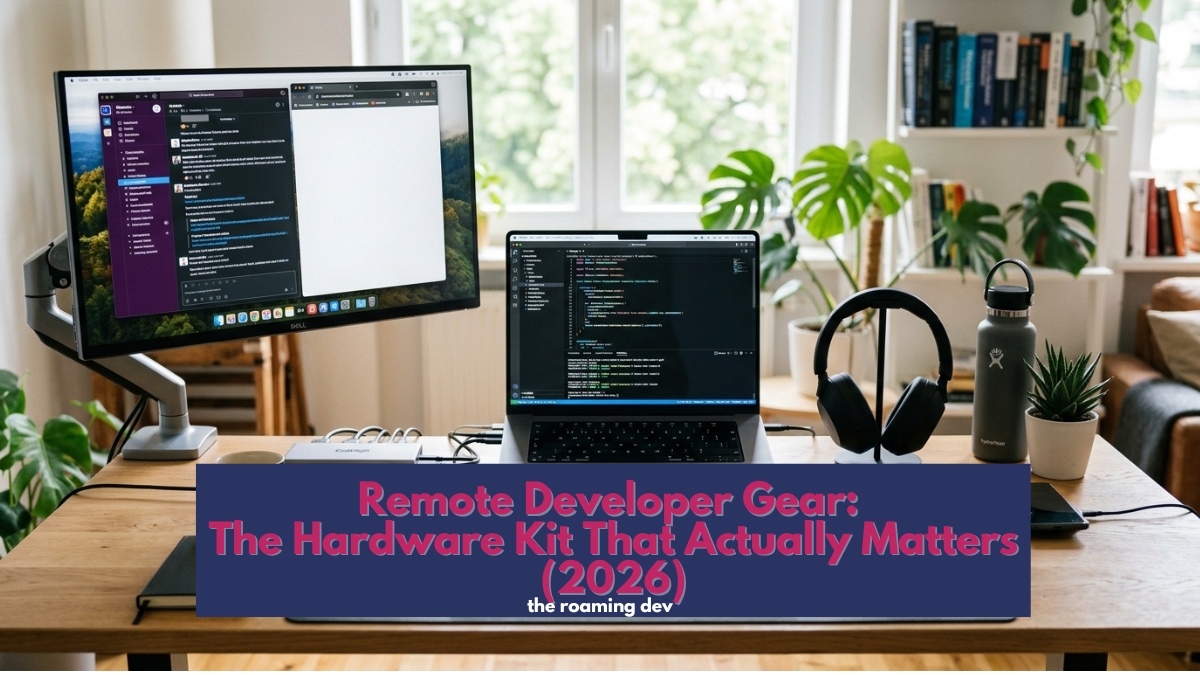
Most “digital nomad gear” lists read like a tourist’s shopping spree. Desk lamps, ring lights, packing cubes, a fancy camera, thirty-four “essentials” you’ll never unpack.
Handy if you’re a travel vlogger. Close to useless if you write code for a living.
A developer’s kit is different and sharper, built around typing for hours, reading code on a real screen, and staying online through a deploy.
This page is the map to that kit. It groups the hardware by what it does for you, and points you to a full guide on each piece.
One thing up front: this is a starting point, not a fixed list.
Roaming developers work in wildly different ways, so the right kit for a backend engineer on daily standups looks nothing like the one for a solo mobile dev who ships once a week.
Take what fits, skip what doesn’t, and treat the categories below as a menu you’ll keep adding to.
The core of good remote developer gear is small: a light laptop, reliable power, and a connection that survives café wifi.
Everything after that (a second screen, a proper keyboard, headphones, storage, better audio and video) is about working faster and more comfortably on the road.
And if your compute runs in the cloud, you carry less, not more.
Tier 1: the core you can’t work without
Three things decide whether you can work at all today. Get these right before anything else.
The laptop
Your one true non-negotiable, though rarely the place to overspend. Once your builds run on a server, you’re paying for weight, battery, and a good keyboard, not raw cores.
A light machine that lasts all day beats a workstation every time you’re away from a socket. The full picks, and how much machine you actually need, live in the best laptops for remote developers guide.
Power that travels
Two dull problems ruin more work sessions than any bug: a flat battery and a socket you can’t reach. Fix them once.
A single high-watt GaN charger replaces the pile of bricks and feeds your laptop and phone together. A universal adapter handles every wall on the planet.
A 100W USB-C power bank turns a long bus ride into billable time.
Connectivity gear
None of the rest matters if you drop offline mid-deploy.
An eSIM with wide coverage plus a tethering-ready phone turns one shaky connection into a dependable backup, and some developers go further with a pocket travel router that creates its own secure network in any hotel or café.
Connectivity overlaps heavily with security, so we cover it properly in the Connectivity & security hub, alongside the travel router picks.
Tier 2: the productivity multipliers
This is where a working setup stops feeling cramped. None of it is strictly essential, yet each piece pays for itself fast.
A portable monitor
If you add one thing beyond the laptop, make it this. Coding on a single 14-inch screen means endless tab-juggling, and a second display ends that overnight.
The good ones fold flat, weigh under a kilo, and run off one USB-C cable. Nobody who travels with one goes back.
Our portable monitor guide covers the panels worth the bag space. Prefer to travel lighter? An iPad can double as a second screen, which we walk through in the iPad-as-second-screen guide.
Keyboard and mouse
Type for a living and your hands will tell you when the gear’s wrong.
A laptop keyboard copes in short bursts, but for full days many developers carry a compact mechanical board, and a vertical or ergonomic mouse saves your wrist over months of use.
Keep both light and low-profile so they vanish into the bag. Full picks sit in the portable keyboard guide, the travel mouse guide, and the ergonomic mouse guide.
A USB-C hub or dock
Thin laptops come with cruelly few ports, so a good hub is quietly one of the most-used things in the bag.
One small dongle gives you HDMI for that portable monitor, extra USB ports, an SD slot, and passthrough charging.
Buy a reliable one, because the cheap hubs drop connections at the worst moment. The USB-C hub guide has the ones that hold up.
Portable storage and backup
Here’s a scenario worth dreading: your only laptop is lost, stolen, or dies two flights from a repair shop.
A pocket SSD, plus an automated cloud backup, turns that from a catastrophe into an inconvenience.
Fast, tiny, and cheap, external drives are the insurance every single-laptop nomad should carry. The portable SSD and backup guide covers what to buy and how to back up on the road.
Tier 3: calls, focus, and audio
Remote work lives on video calls and deep focus, and your laptop’s built-in hardware is the weak link for both.
Noise-cancelling headphones
Call these a luxury and you’ve misread them. A café’s hum is pleasant until you’re on a client call or chasing a bug that needs silence.
Good noise-cancelling headphones buy you focus on demand and clean audio for meetings, which on the road is a tool, not a treat.
Over-ears or earbuds comes down to your bag and your ears, and we compare both in the headphones guide.
A webcam and microphone
Every laptop camera looks like a potato, and the built-in mic makes you sound like you’re calling from a bin.
If your work involves regular meetings, pair calls, or any content, a small external webcam and a compact USB microphone change how you come across entirely.
They’re optional for a heads-down coder, close to essential for anyone client-facing. See the webcam guide and the USB microphone guide.
Tier 4: comfort, posture, and your eyes
The stuff that doesn’t feel urgent until months of bad habits catch up with you.
A laptop stand
Hunching over a laptop for weeks will find your neck eventually.
A fold-flat stand lifts the screen to eye level, pairs naturally with the external keyboard above, and packs down to the size of a pencil case.
Small fix, slow-moving problem, big payoff. More in the laptop stand guide.
Blue-light glasses and screen comfort
Stare at code past midnight often enough and your eyes start to complain.
Blue-light glasses help some developers, warmer screen settings help everyone, and regular breaks help most of all.
It’s a minor bit of kit, but eye strain is a real tax on long sessions. We round up the options in the screen comfort guide.
Tier 5: security and protection hardware
You’re carrying a few thousand dollars of equipment through airports, buses, and crowded streets. A little protection goes a long way.
A backpack that doesn’t shout “steal me”
Your bag needs proper padding, a comfortable carry for long days, and a low-key look that doesn’t advertise expensive electronics to a pickpocket.
Bonus points for a design that opens flat for airport security. The laptop backpack guide has the ones that survive the life.
Privacy screens and laptop locks
Working in public has two quiet risks: the person reading your screen over your shoulder, and the laptop that walks off while you grab a coffee.
A privacy filter blocks the first, a cable lock deters the second, and neither costs much or weighs anything. Details in the privacy screen guide and the anti-theft guide.
Beyond the basics: gear worth exploring
Once the core kit is sorted, plenty of developers add hardware that suits how they personally work.
None of it is essential, and that’s the point, because the best kit is the one shaped around you. A few worth a look:
- An e-ink note tablet for planning and diagramming away from a glowing screen.
- A second phone or dual-SIM setup for splitting work and personal, or for a connectivity backup.
- A compact tech pouch so cables and dongles stop eating twenty minutes a day.
- A portable SSD enclosure or Raspberry Pi for the tinkerers who like a pocket server.
Have a piece of kit that earns its place in your bag? The list grows as roaming developers find what works, so this section will keep expanding.
What to buy first
Building your remote developer gear from scratch? Spend in this order. Get the laptop right, because everything hangs off it.
Sort power and connectivity before your first real trip, since those are the things that strand you. Add a portable monitor next, the biggest daily upgrade there is.
Then layer in the keyboard, headphones, storage, stand, and bag as budget allows. You don’t need all of it on day one. You need the laptop, a way to stay powered, and a way to stay online.
The gear you can skip
Half of every “nomad essentials” list is stuff a developer doesn’t need. A dedicated camera? Your phone is fine.
A desk lamp, a tripod, a ring light, a drawer of cable organisers “just in case”? Lovely for a travel vlogger, dead weight for someone shipping code.
That urge to pack for every hypothetical is exactly what turns a light bag heavy. Good remote developer gear is ruthless.
If it doesn’t help you write, ship, or stay online, it stays home, and you can always grab the odd thing you genuinely miss once you’re out there.
Frequently asked questions
At minimum, a light laptop, a power kit, and connectivity like an eSIM.
After that, a portable monitor, a keyboard and mouse, noise-cancelling headphones, portable storage, and a protective backpack cover almost everyone. The rest depends on how you work.
Yes, for most. A second screen ends the constant tab-switching of single-laptop coding and is the biggest on-the-road productivity gain.
Modern ones fold flat, weigh under a kilo, and run off one USB-C cable.
Reliable power and connectivity, so you can actually work, followed by a portable monitor for productivity.
Those keep you shipping comfortably anywhere. Everything else is refinement.
Less than the generic lists suggest. Going cloud-first means a mid-range laptop is plenty, and the supporting kit is inexpensive.
Prioritise the laptop, power, and connectivity, then add pieces over time.
Only if you’re regularly on calls or making content. For a heads-down coder, they’re optional, but for anyone client-facing, an external webcam and USB mic dramatically improve how you look and sound.
The bottom line
Good remote developer gear was never about owning the most stuff. It’s about carrying the few things that genuinely help you write, ship, and stay online, then leaving the rest at home.
Sort the laptop, power, and connectivity first. Add a second screen and better audio when you’re ready. Let the kit grow around how you actually work rather than around someone else’s packing list.
Also Read:
- Remote Developer Setup: The Complete Work-From-Anywhere Guide (2026)
- Dev Tools for Remote Developers: Building a Portable Coding Stack (2026)
- Connectivity and Security for Remote Developers: Staying Online and Safe Anywhere (2026)
- Productivity and Collaboration for Remote Developers: Getting Work Done Across Time Zones (2026)

