




Disclaimer:
This website participates in the Amazon Services LLC Associates Program, an affiliate advertising program designed to provide a means for sites to earn advertising fees by advertising and linking to Amazon.com. As an Amazon Associate, we earn from qualifying purchases made through the links provided on this website. This does not affect the price you pay for products.
We only recommend products we genuinely believe will benefit our audience. Our opinions are our own, and we are not influenced by the companies we affiliate with.
The monitor is one of the most important parts of your Mac’s setup. Since you are going to spend most of your time looking at the screen, you want to invest in something that is comfortable.
Not only do you want your monitor to provide a pleasing experience, but you also want something that is compatible with your device. However, choosing the best monitor for Mac mini is not as easy as on PC.
When it comes to picking the best monitors for Mac Mini, there are multiple options to consider. That is why we have taken time to analyze various monitors to come up with the best ones.
Also, in this guide, we will discuss some of the tips that you should apply while choosing the best monitor for Mac Mini.
But before we do that, let’s first say something important: getting a monitor will largely depend on your individual use case and budget.
So, don’t go wild picking a monitor that is big or has advanced functionalities if they don’t serve you.
The Best Monitors for Mac Mini
1. Apple Pro Display XDR
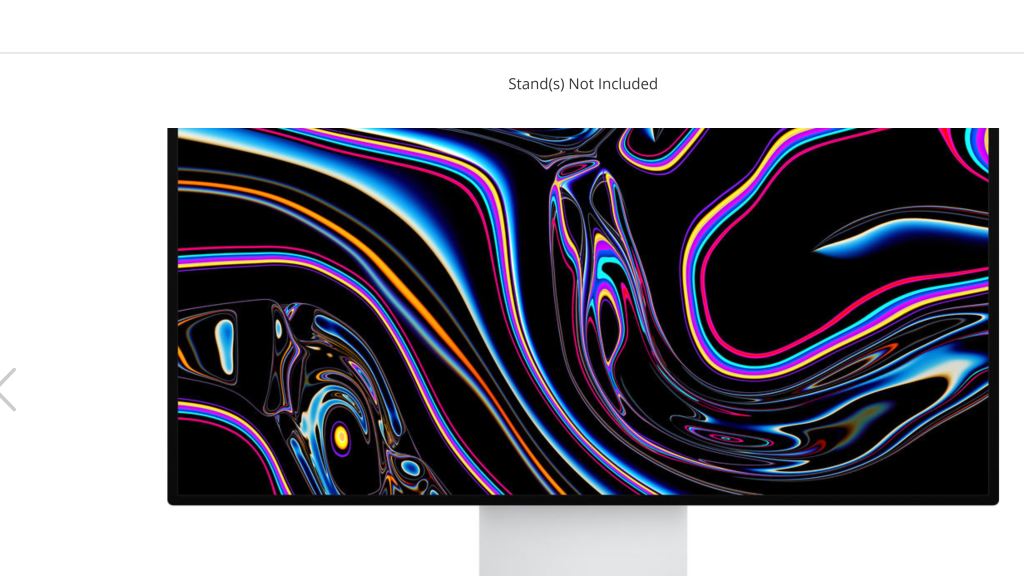
Apple’s highly specced monitor is a beautiful piece of ultimate engineering with unmatched picture quality and color output.
The XDR is indeed the best monitor for Mac mini with its outstanding features. The monitor is phenomenally well-spec with its 32 inches and 6K resolution.
We found it to offer 40% more screen space than Apple’s 5K displays. It also offers one-of-a-kind brightness with a peak brightness of 1,600 nits.
The only disadvantage is that it comes with a seriously eye-watering price tag, making it out of reach for average users.
This beast of a monitor comes with 576 individual dimming zones for backlight control.
Besides this, there are specific reference models for DCI P3, BT.709, and NTSC, among others.
There is also the option of a nanotexture effect on your screen to minimize reflectivity.
The Good
- Peak brightness of 1,600 nits, offering stunning picture quality
- Phenomenally well-specced
- Impressive 6K resolution
- Excellent Thunderbolt & USB-C connectivity
The Bad
- The monitor doesn’t include a stand.
- It is seriously expensive.
Price:$4,999
2. BenQ PD2725U
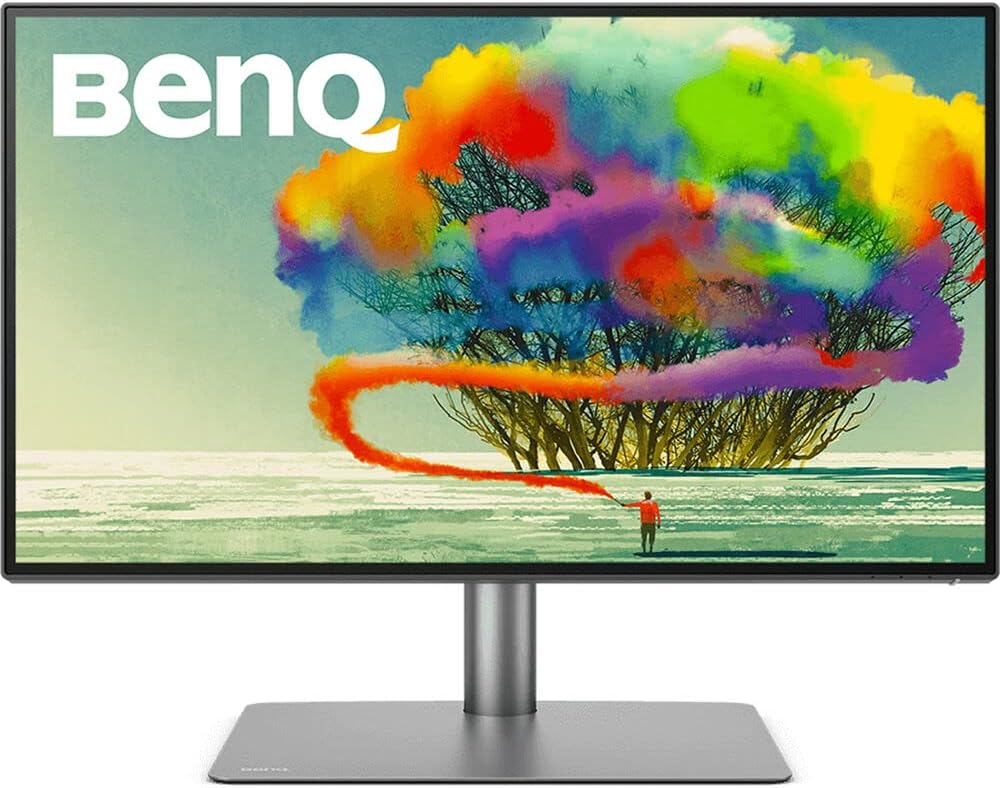
The BenQ PD2725U is the best monitor for Mac mini because it doesn’t overwhelm your workspace.
It is not like some large monitors that don’t fit well with the small-form Mac mini vibes.
We also love it because it delivers stunningly clear visuals, thanks to its 4K UHD resolution and the 100% sRGB color accuracy.
Another standout feature of this monitor is the dual-view function. This functionality allows you to split the screen into two halves so that you can display content on each half.
This is useful for professionals working in programming, design, and editing, as it allows them to preview their projects in different screen sizes or color spaces.
The Good
- Built-in KVM
- Has great ports
- Great cover.
- Comes with a highly adjustable stand.
The Bad
- Poor built-in speakers when compared with the competition
- HDR could be better.
Price: $899
3. Asus ProArt PA279CV
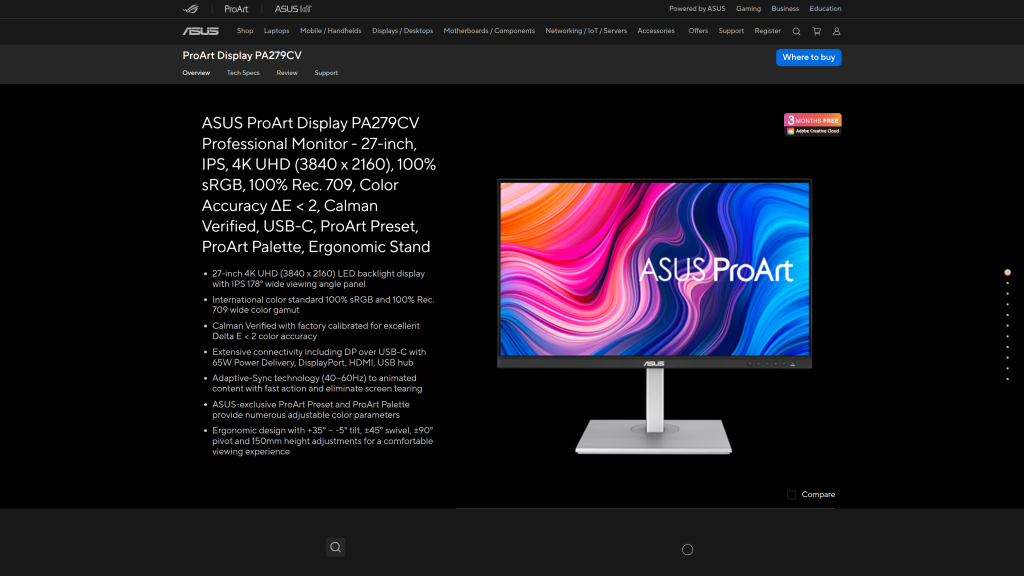
The Asus PortArt PA279CV is among the best monitors to pair with your Mac mini.
We rated it as the best monitor for Mac mini because it offers a nearly professional-level screen at a bargain.
The monitor boasts 100% coverage of the sRGB color space, 99% DCI-P3, and Adobe RGB.
We also found in our testing that the screen has a matte anti-reflective coating that delivers vibrant colors.
These qualities of the 4K monitors make them ideal for content creation and other related tasks.
Another likable thing about the PortArt PA279CV is the simple, unfussy design, which features thin bezels and a metallic-finish plastic stand.
The monitor also comes with sufficient power and OSD buttons at the bottom as well as the clip on the back for cable management.
The Good
- Excellent ergonomics
- Wide viewing angles
- Large screen size and good resolution
- Fantastic color gamut
- Built-in ruler to aid in measurement
The Bad
- Internal power supply
Price: $399
4. Apple Studio Display
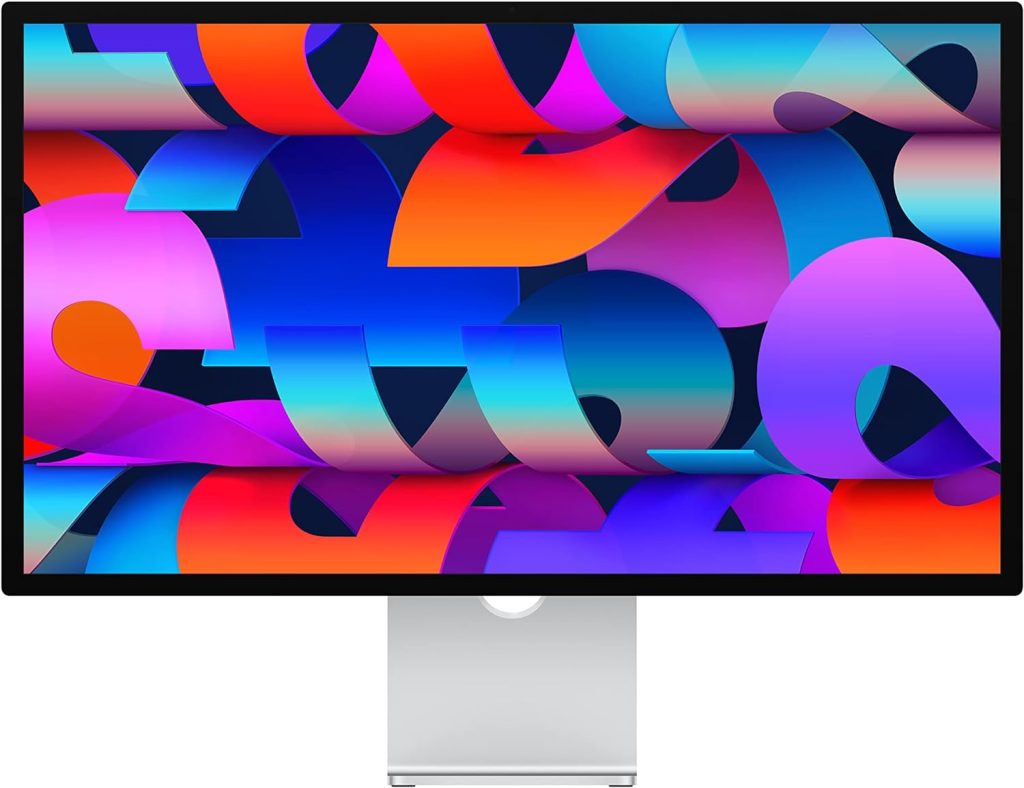
Apple products don’t come cheap. So, as you would expect, the Apple Studio Display is one of the most expensive monitors on this guide.
Starting at over $1,500 without the height-adjustable stand, which will cost you an extra $400. Interestingly, this display cost more than the base model M4 Mac mini.
But the good thing is that the monitor matches the Mac mini.
The Apple Studio Display offers excellent build quality and style with a consistent high-resolution 27-inch Retina display. It also offers one of the brightest panels.
What we love about it is that it displays instantly, which plays nicely and delivers an excellent picture with any Mac without any fuss.
Other than that, the Apple Studio Display is a gorgeous and excellent monitor for your Mac device, especially when you consider style and performance.
It also comes with nice features. The Studio Display features three USB 3.2 Gen 2 ports for other Mac accessories and a Thunderbolt 3 port.
Additionally, the monitor comes with six built-in speakers with woofers. These additional speakers sound pretty cool and can connect with Siri.
The Good
- Very high pixel density
- Excellent speakers
- Punchy SDR performance
- Mac-optimized connectivity
The Bad
- It is pricey.
- No HDR support
Price: $1,679
5. Philips Evnia 34M2C8600
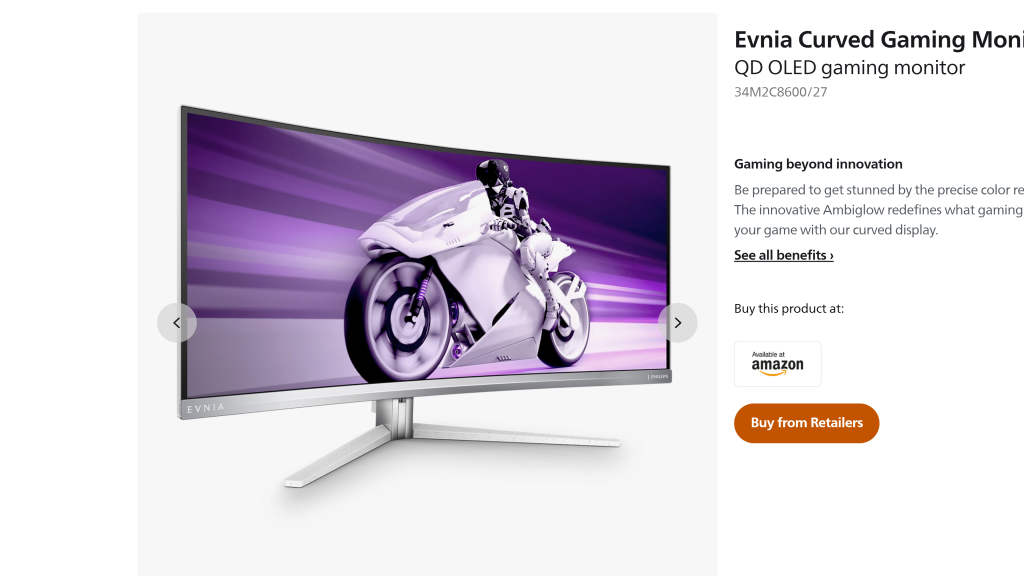
The Philips Envia 34M2C8600 is one of the most gorgeous curved OLED monitors that is ideal for gaming and other uses like video editing, graphic design, and even programming.
The monitor offers extra horizontal space to allow you to see more of your projects while also speeding up your workflow.
While some may feel that is a bit pricey, it offers much flexibility in terms of adjustability, and it is ultra wide. It also has a nice appeal, whether on design-related tasks, photos, writing, or even watching movies.
During our testing, we found the gently curved OLED panel to be useful and fast. It offers fast refresh rates, no response lag, impressive contrast, and a sharp image with smooth motion.
Another thing that makes it the best monitor for Mac Mini is that it has three brightness settings: Bright, Brighter, and Brightest, with maximum being 1,000 nits of brightness.
The good thing about it is that you can connect two devices simultaneously, and there is a wide range of ports available on the back.
The Good
- Impressive color gamut
- Has minimal stretching and distortion
- Brilliant curved OLED panel
The Bad
- No color-temperature adjustment
- Pro-level price
Price: $781.66
6. Dell Ultrasharp U3224KB
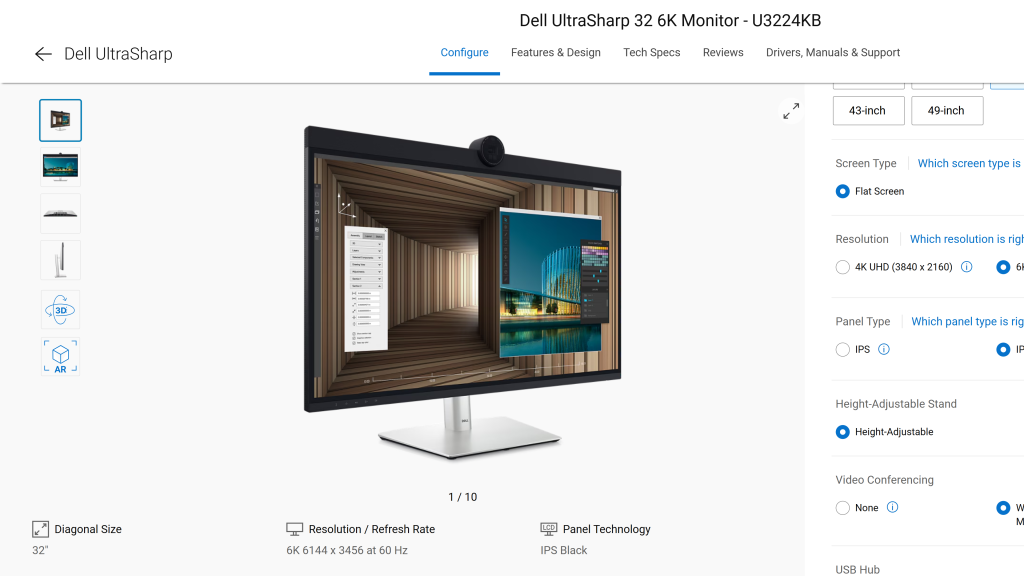
Dell changed things with the highly featured 6K monitor, and for a good reason.
This impressive monitor is an ideal pair for Mac mini, especially if you are into visual projects like photo editing. It will also be best for developers.
Some have claimed that the U3224KB sits beautifully between Apple’s Pro Display XDR and Studio Display in terms of display and features.
The good thing about it is that it is more affordable than Apple’s offers. It also has better port options for the masses.
Some of the things that made us rank the U3224KB UltraSharp as the best monitor for Mac mini include the integrated 4K HDR webcam, HDMI, USB-A, USB-C, and RJ45 ports, as well as Thunderbolt for better connectivity up and downstream.
These might seem like a lot, but additional ports for power users are better, as they don’t clutter your desk.
The Good
- Thunderbolt 4 connection
- Integrated 4K HDR webcam
- Impressive 6K display
- Impressive collection of connectivity ports
The Bad
- Mic sound is somehow tinny.
- Same stands with lowable pass-through.
Price: $3,032
7. BenQ Desk
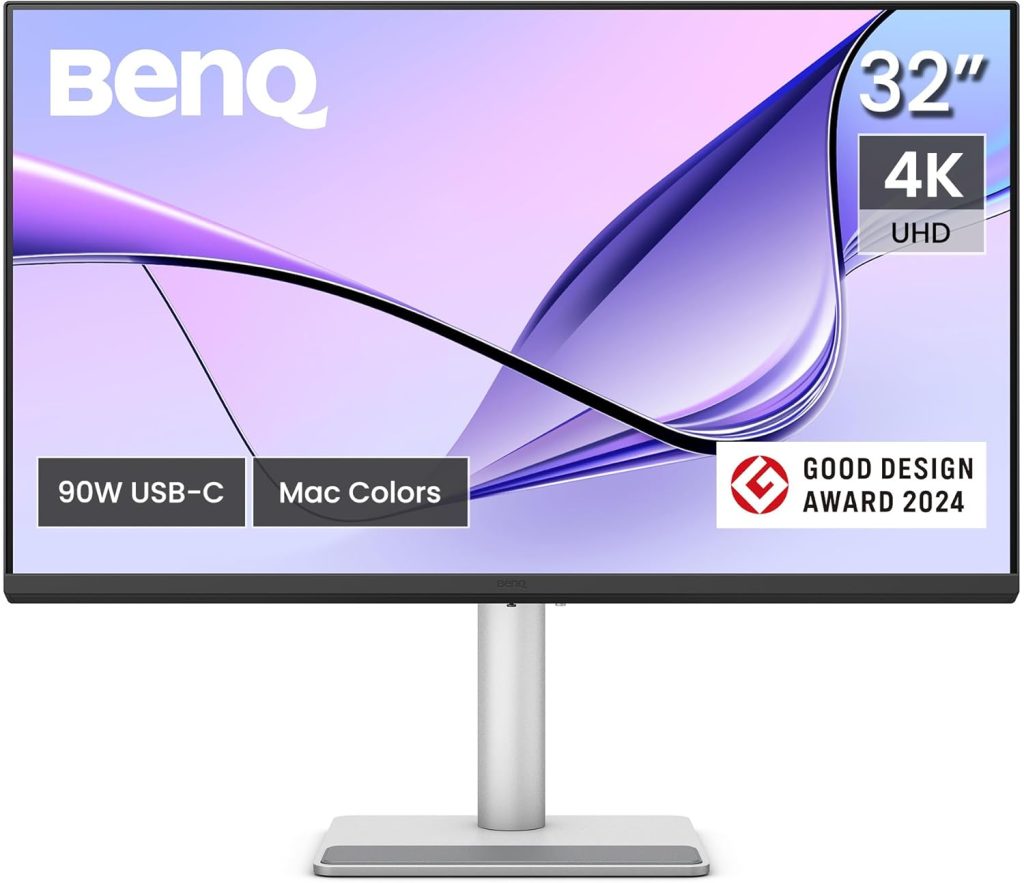
If you are in for the ergonomics, then the DesignVue PD2706UA is a great option.
It also matches well with the Mac mini’s minimalistic design, so you can save space on a desk.
We highly believe the PD2706UA is the best monitor for Mac mini because of its handy Ergo arm and C-clamp.
When it comes to display, it is a professional 4K screen that is fully Mac-compatible, meaning that it allows for active color syncing without the need for calibration.
It is also impressive when it comes to color accuracy, with 11 color modes, including at least one to match the color space of your Apple Mac mini.
The Good
- Cheaper than other BenQ monitors.
- It is highly ergonomic, especially on the arm that reduces clutter.
- Impressive color coverage, including Mac mode
The Bad
- It could be brighter.
Price: $549.99
Who to Consider When Choosing the Best Monitor for Mac Mini
The good thing with the Mac mini is that it is very flexible, so any decent modern monitor with an HDMI or USB-C port will serve you.
So, the best monitor for your Mac Mini will largely depend on your usage and preference.
For instance, if you are working in visual design, you will most likely need a high-quality display with impressive color coverage.
Other than that, you also have to consider your budget. As you have seen above, some options like the Apple Pro Display XDR are pricey.
The good thing is that the Mac mini is reasonably priced, so you can find a professional display that matches its price.
Another thing that you have to consider is the size. Sizable monitors are generally excellent to work with, but you have to be considerate of the space you have.
Frequently Asked Questions (FAQs)
As mentioned above, you can match your Mac mini with any modern monitor.
The fact that Mac minis don’t come with a screen means that they should have versatile connectivity.
They usually come with multiple USB-C ports and HDMI 2.0 ports.
Connecting a monitor to a Mac mini is straightforward.
All you need to do is locate the HDMI 2.0 ports or USB-C/Thunderbolt 3 and then plug in with a compatible cable.
After that, turn on both gadgets.
Interestingly, the Mac mini is a minimalist device, but it is a very powerful one.
It can connect and run efficiently a 6K display via one of its Thunderbolt ports just as it would for a 4K one via the HDMI 2.0 port.
In Summary
The best monitor for Mac mini can improve your productivity and enjoyment, whether you are using the newer Apple-chipped devices or the older Intel Mac Mini.
Apple’s redesigned Mac Minis are amazing computers for photographers and developers looking for performance excellence.
Fortunately, most Macs can work with external monitors outside the Apple ecosystem.
Apple monitors like the Pro Display XDR or Apple Studio Display are ideal, but they are expensive. So, other users with budget constraints might prefer other options listed here.
Also Read:
- Best Monitor for Developers: Upgrade Your Coding Setup
- Best Terminal for Mac. 10 Mac Terminal Emulator Options For 2025
- 10 Best Free Mac Cleaner Software in 2025

